FJD Trion SLAM SDK
Przegląd
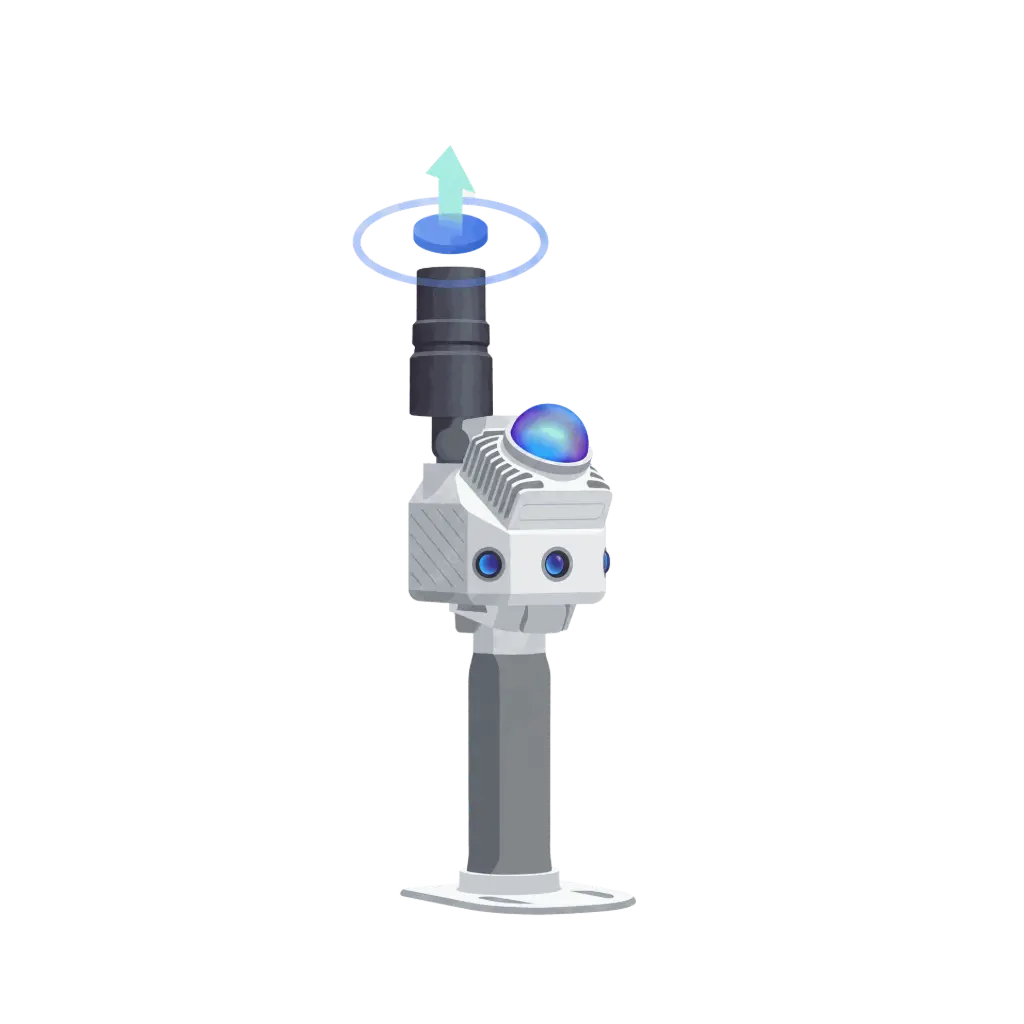
SLAM SDK to biblioteka C++ do komunikacji z urządzeniami S2/P2/P1, udostępniająca funkcje takie jak wykrywanie urządzeń, skanowanie map oraz pobieranie danych.
Przestrzeń nazw
namespace fjminislam
Definicja stałych
Konfiguracja portu
| Nazwa stałej | Wartość | Opis |
| BROADCAST_PORT | 29527 | Port rozgłoszeniowy urządzenia |
| PORT | 9090 | Porty komunikacyjne urządzenia |
Pobierz wyliczenie typu danych
enum DownloadDataType
{
    FJDSLAM = 1,   // dane w formacie FJDSLAM
    PLY     = 2,   // dane chmury punktów w formacie PLY
    PTS     = 3,   // dane chmury punktów w formacie PTS
    LAS     = 5,   // dane chmury punktów w formacie LAS
    FJDRTK  = 6,   // dane w formacie FJDRTK
    RTCM    = 9,   // dane w formacie RTCM
    INSV    = 99,  // dane w formacie INSV
};
Struktura urządzenia
struct Device
{
std::string serialno; // Numer seryjny urządzenia
std::string ip; // Adres IP urządzenia
std::string fwversion; // Wersja oprogramowania układowego
};
Klasa SDK
Funkcja konstruktora i destruktora
SDK(); // Konstruktor domyślny
~SDK(); // Destruktor
Publiczna zmienna składowa
std::vector<fjminislam::Device> device_list; // Lista urządzeń
get_available_devices
std::vector<fjminislam::Device> get_available_devices(int search_time=3);
Funkcja: Wyszukaj dostępne urządzenia
Parametr:
search_time
Czas wyszukiwania, jednostka: sekundy, domyślnie: 3 sekundy
Wartość zwracana : Lista urządzeń
get_maplist
json get_maplist();
Funkcja: Pobierz informacje o liście map
Wartość zwracana : Informacje o mapie w formacie JSON, zawierające następujące pola:
| Nazwa pola | Typ | Opis |
| result | bool | Wynik żądania, true oznacza sukces |
| values.has_camera | array<int> | Z kamerą lub bez kamery, 1 oznacza tak, a 0 oznacza nie |
| values.maplist | array<string> | Lista nazw map |
| values.match_status | array<int> | Czy kontynuować skanowanie od punktu przerwania, 1 oznacza tak, 0 oznacza nie |
| values.rtk_locked_percent | array<int> | Procent blokady RTK |
| values.slam_dis_in_m | array<int> | Przebieg misji, jednostka: metry |
| values.task_time_in_sec | array<int> | Czas zadania, w sekundach |
| values.vec_data_types_for_download | array<int> | Typ danych do pobrania, 1 oznacza istnienie |
start_map
json start_map(std::string mapname="");
Funkcja: Rozpocznij zadanie skanowania
Parametr:
nazwa_mapy
Niestandardowa nazwa mapy, opcjonalna
Wartość zwracana : Wynik uruchomienia w formacie JSON, zawierający następujące pola:
| Nazwa pola | Typ | Opis |
| result | bool | Wynik żądania, true oznacza sukces |
| values.status | int | Status zadania: 0 - Misja przerwana 1 - Status normalny -1 - Inicjalizacja nie powiodła się -2 - Urządzenie zajęte -4 - Przetwarzanie zadania -6 - Niewystarczająca pamięć masowa kamery Insta |
stop_map
json stop_map();
Funkcja: Zatrzymanie zadania skanowania
Wartość zwracana : Wynik zatrzymania w formacie JSON, zawierający następujące pola:
| Nazwa pola | Typ | Opis |
| result | bool | Wynik żądania, true oznacza sukces |
| values.message | string | Opis komunikatu |
| values.success | bool | Czy zatrzymanie zakończyło się powodzeniem |
check_device_task
json check_device_task(bool force_check=true);
Funkcja: Uzyskaj lub wykonaj autokontrolę urządzenia
Parametr:
force_check
Czy wymusić autokontrolę, true oznacza tylko pobranie wyniku, false oznacza wykonanie autokontroli
Wartość zwracana: Wynik autokontroli w formacie JSON, zawierający następujące pola:
| Nazwa pola | Typ | Opis |
| result | bool | Wynik żądania, true oznacza sukces |
| values.status | int | Stan urządzenia: 7 - Wszystkie urządzenia działają prawidłowo 5 - Nieprawidłowości LiDAR |
download_map_data
bool download_map_data(std::string mapname, fjminislam::DownloadDataType type, std::string save_path);
Funkcja: Pobierz dane skanowania
Parametry:
nazwa_mapy
- Nazwa mapy
typ
- Typ pobieranych danych, zobacz wyliczenie:
DownloadDataType
ścieżka_zapisu
- Ścieżka zapisu danych, np.:
/tmp/
Wartość zwracana : true oznacza pomyślne pobranie, false oznacza nieudane pobranie
time_syn
json time_syn();
Funkcja: Synchronizuje czas ze skanerem
Wartość zwracana : Wynik synchronizacji czasu w formacie JSON, zawierający następujące pola:
| Nazwa pola | Typ | Opis |
| result | bool | Wynik żądania, true oznacza sukces |
| values.left_time | int | Pozostały czas |
| values.status | bool | Status synchronizacji, true oznacza sukces |
check_scanner_connection
bool check_scanner_connection();
Funkcja: Sprawdź stan połączenia skanera
Wartość zwracana : true oznacza prawidłowe połączenie, false oznacza nieprawidłowe połączenie
connect_device
bool connect_device(fjminislam::Device device);
Funkcja: Połącz z określonym urządzeniem
Parametr:
device
Informacje o urządzeniu, z którym ma zostać nawiązane połączenie
Wartość zwracana : true oznacza pomyślne połączenie, false oznacza niepowodzenie połączenia
get_current_name
std::string get_current_name();
Funkcja: Pobierz nazwę aktualnie podłączonego urządzenia
Wartość zwracana : Nazwa urządzenia
get_version
std::string get_version();
Funkcja: Pobierz wersję SDK
Wartość zwracana : Numer wersji SDK
Podstawowy proces użycia
#include "fjminislam_sdk.h"

int main() {
    fjminislam::SDK sdk = fjminislam::SDK();
    sdk.get_version();
    fjminislam::Device selected_scanner;
    std::vector<fjminislam::Device> devices_list = sdk.get_available_devices();
    if (devices_list.size() == 0) {
        printf("nie znaleziono skanera\n");
        return 1;
    }
    selected_scanner = devices_list[0];
    printf("wybrane urządzenie, numer seryjny:%s ip:%s\n",selected_scanner.serialno.c_str(), selected_scanner.ip.c_str());

    std::string sdk_version = sdk.get_version();
    printf("wersja_sdk: %s\n", sdk_version.c_str());

    if (!sdk.connect_device(selected_scanner)) {
        printf("connect_device nie powiodło się\n",);
        return 2;
    }

    if (!sdk.check_scanner_connection()) {
        printf("check_scanner_connection nie powiodło się\n");
        return 3;
    }

    json time_syn_result = sdk.time_syn();
    printf("odpowiedź time_syn: %s\n", time_syn_result.dump().c_str());

    json start_map_result = sdk.start_map("test1");
    printf("odpowiedź start_map: %s\n", start_map_result.dump().c_str());

#ifdef _WIN32
    Sleep(30);
#else
    sleep(30);
#endif
    std::string cur_name = sdk.get_current_name();
    printf("cur_name: %s\n", cur_name.c_str());

    json stop_map_result = sdk.stop_map();
    printf("odpowiedź stop_map: %s\n", stop_map_result.dump().c_str());

    json get_maplist_result = sdk.get_maplist();
    printf("odpowiedź get_maplist: %s\n", get_maplist_result.dump().c_str());

    bool download_result = sdk.download_map_data(cur_name, fjminislam::DownloadDataType::LAS, "./");
    printf("odpowiedź download_map_data: %d\n", download_result);
    return 0;
}
Przed użyciem SDK upewnij się, że urządzenie jest prawidłowo podłączone do sieci
Podczas procesu skanowania utrzymuj urządzenie stabilnie i unikaj nagłych ruchów
Podczas pobierania danych upewnij się, że w ścieżce zapisu jest wystarczająco dużo miejsca
Zaleca się sprawdzenie stanu połączenia urządzenia przed wywołaniem API
Podstawowy proces użycia
#include "fjminislam_sdk.h"

int main() {
    fjminislam::SDK sdk = fjminislam::SDK();
    sdk.get_version();
    fjminislam::Device selected_scanner;
    std::vector<fjminislam::Device> devices_list = sdk.get_available_devices();
    if (devices_list.size() == 0) {
        printf("nie znaleziono skanera\n");
        return 1;
    }
    selected_scanner = devices_list[0];
    printf("wybrane urządzenie, numer seryjny:%s ip:%s\n",selected_scanner.serialno.c_str(), selected_scanner.ip.c_str());

    std::string sdk_version = sdk.get_version();
    printf("wersja_sdk: %s\n", sdk_version.c_str());

    if (!sdk.connect_device(selected_scanner)) {
        printf("connect_device nie powiodło się\n",);
        return 2;
    }

    if (!sdk.check_scanner_connection()) {
        printf("check_scanner_connection nie powiodło się\n");
        return 3;
    }

    json time_syn_result = sdk.time_syn();
    printf("odpowiedź time_syn: %s\n", time_syn_result.dump().c_str());

    json start_map_result = sdk.start_map("test1");
    printf("odpowiedź start_map: %s\n", start_map_result.dump().c_str());

#ifdef _WIN32
    Sleep(30);
#else
    sleep(30);
#endif
    std::string cur_name = sdk.get_current_name();
    printf("cur_name: %s\n", cur_name.c_str());

    json stop_map_result = sdk.stop_map();
    printf("odpowiedź stop_map: %s\n", stop_map_result.dump().c_str());

    json get_maplist_result = sdk.get_maplist();
    printf("odpowiedź get_maplist: %s\n", get_maplist_result.dump().c_str());

    bool download_result = sdk.download_map_data(cur_name, fjminislam::DownloadDataType::LAS, "./");
    printf("odpowiedź download_map_data: %d\n", download_result);
    return 0;
}
Uchwyt do psa-robota FJD Trion S1



Uchwyt do psa-robota FJD Trion S1
'/%3E%3Cdefs%3E%3ClinearGradient id='paint0_linear_546_121' x1='3' y1='-5.5' x2='21.498' y2='65.95' gradientUnits='userSpaceOnUse'%3E%3Cstop stop-color='%2347B2FF'/%3E%3Cstop offset='.454' stop-color='%231A77CE'/%3E%3Cstop offset='.647' stop-color='%230A68C5'/%3E%3Cstop offset='.825' stop-color='%230363C2'/%3E%3Cstop offset='1' stop-color='%230060C0'/%3E%3C/linearGradient%3E%3C/defs%3E%3C/svg%3E)
Struktura danych
Struktura urządzenia
struct Device
{
std::string serialno; // Numer seryjny urządzenia
std::string ip; // Adres IP urządzenia
addressstd::string fwversion; // Wersja oprogramowania sprzętowego
};
Klasa SDK
Konstruktor
Funkcja konstruktora i destruktora
Publiczna zmienna składowa
D
Przed użyciem SDK upewnij się, że urządzenie jest prawidłowo podłączone do sieci
Podczas procesu skanowania utrzymuj urządzenie w stabilnej pozycji i unikaj nagłych ruchów
Podczas pobierania danych upewnij się, że w ścieżce zapisu jest wystarczająco dużo miejsca
Zaleca się sprawdzenie stanu połączenia urządzenia przed wywołaniem API
Jak przycinać i kadrować dane 3DGS
Samouczek funkcji modelu FJD Trion

Jak korzystać z automatycznej identyfikacji gatunków drzew
Samouczek funkcji modelu FJD Trion
Jak tworzyć 3D Gaussian Splatting
Samouczek funkcji modelu FJD Trion
Jak korzystać z funkcji HyperDense+
Samouczek funkcji modelu FJD Trion
Jak korzystać z nowych narzędzi do rysowania
Samouczek funkcji modelu FJD Trion

Jak korzystać z narzędzi do rektyfikacji
Samouczek funkcji modelu FJD Trion









Uchwyt do psa-robota FJD Trion S1
Uchwyt do psa-robota FJD Trion S1