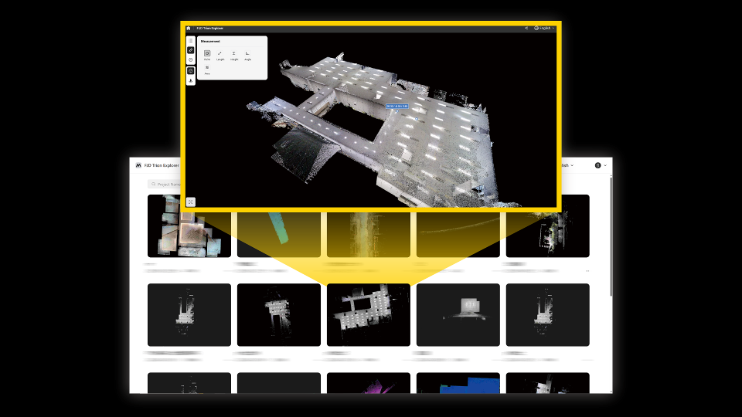
I. New Feature: Revit Plug-in (Supports Revit 2025)
1. Point Cloud Loading
- Enables direct loading of point cloud data in Revit without converting to *.rcp format.
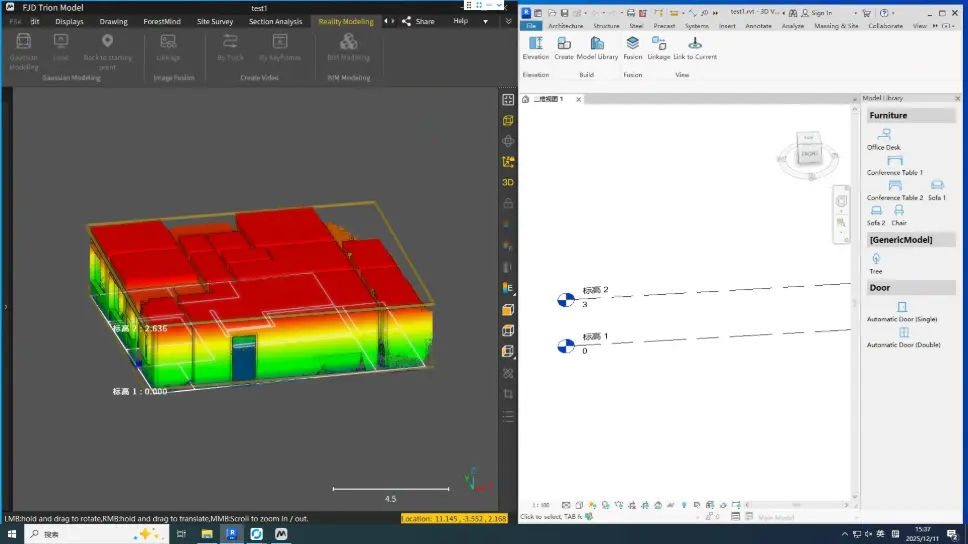
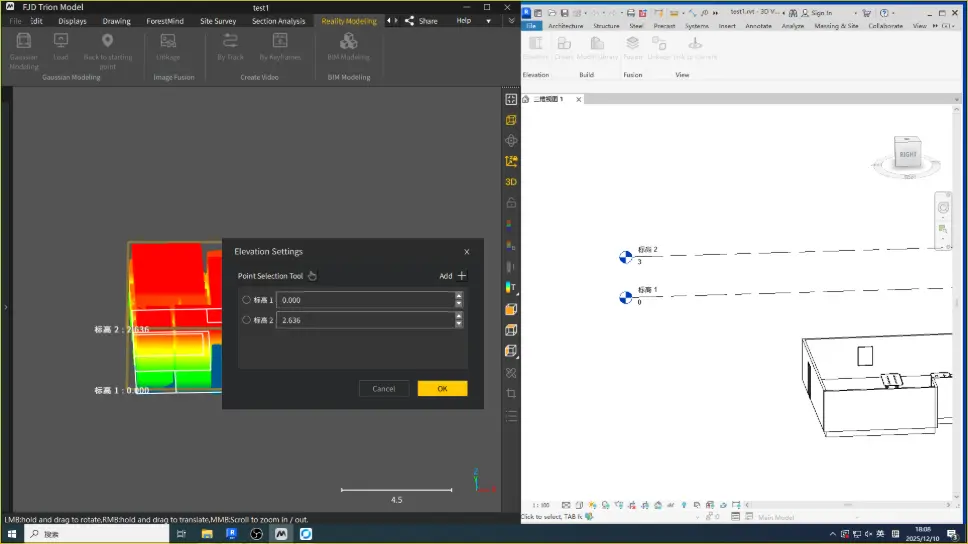
2. Smart Level Creation:
- Automatically calculates model levels.
- Allows level creation by selection or manual input.
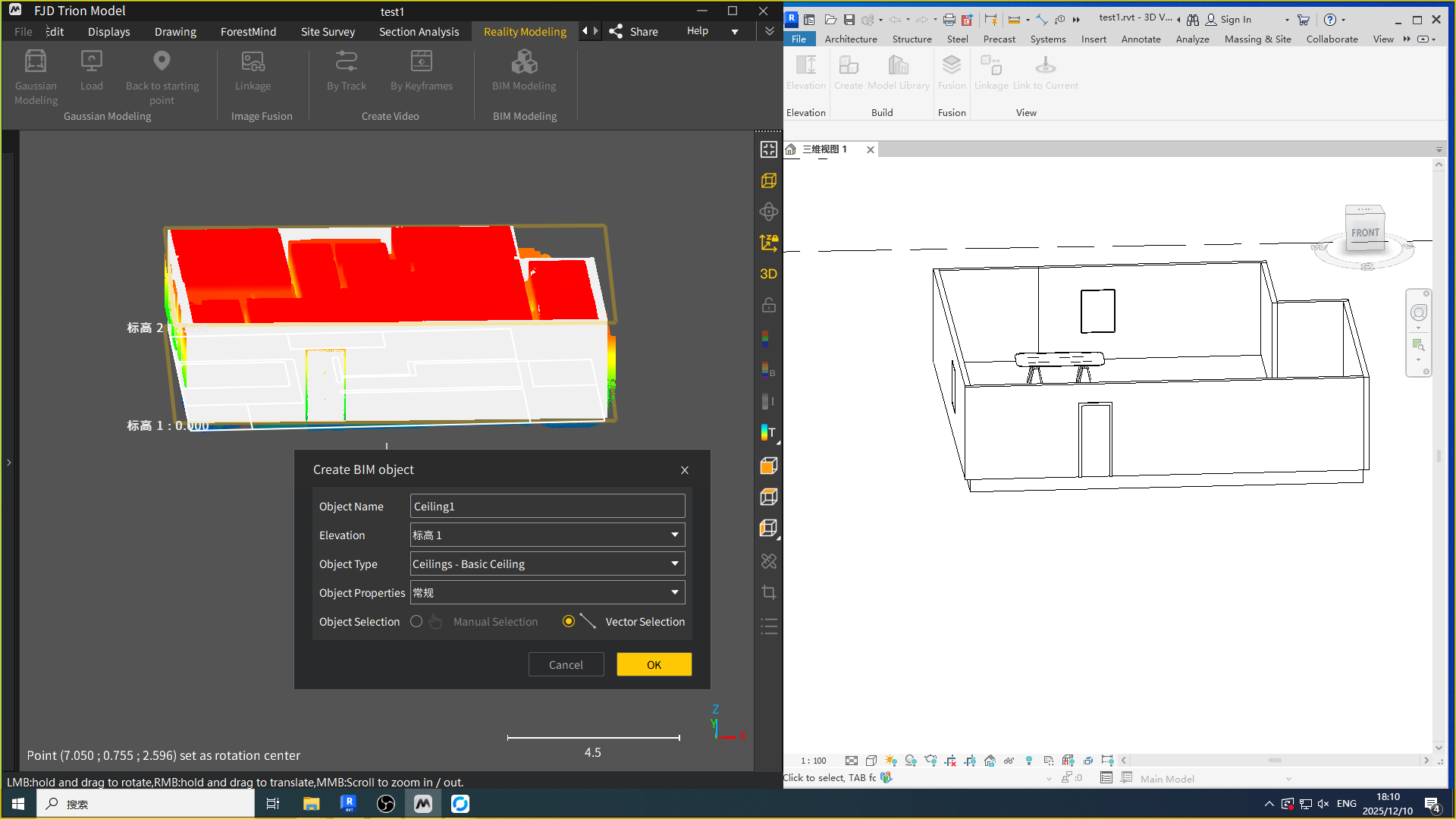
3. Multi-Method Model Creation:
- Supports creating different model types by selecting points from point cloud and 3DGS data.
- Allows automatic model generation from vector files.
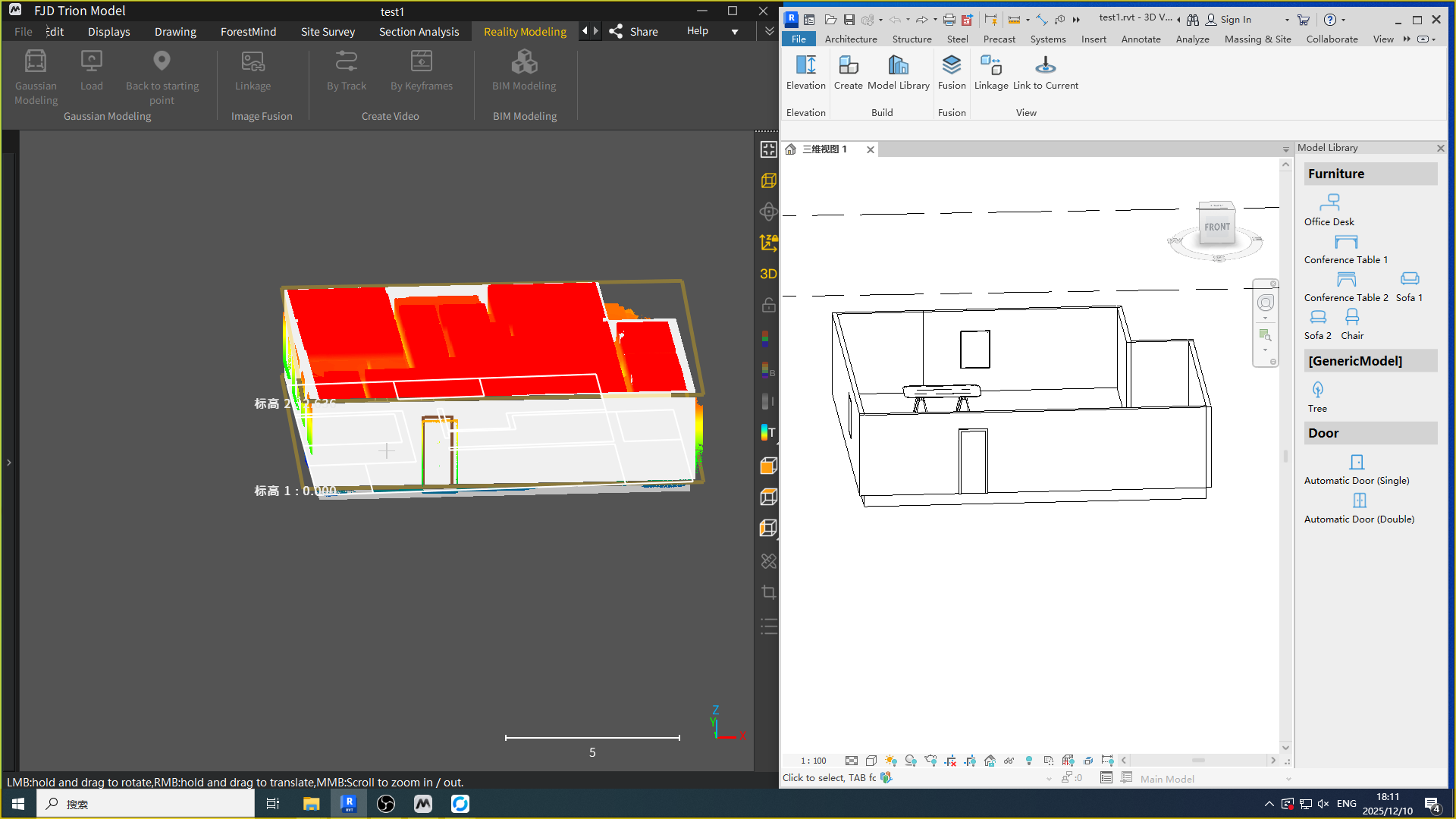
4. Model Library:
- Provides preloaded common models to reduce repetitive modeling effort.
- Supports adding custom models upon request.
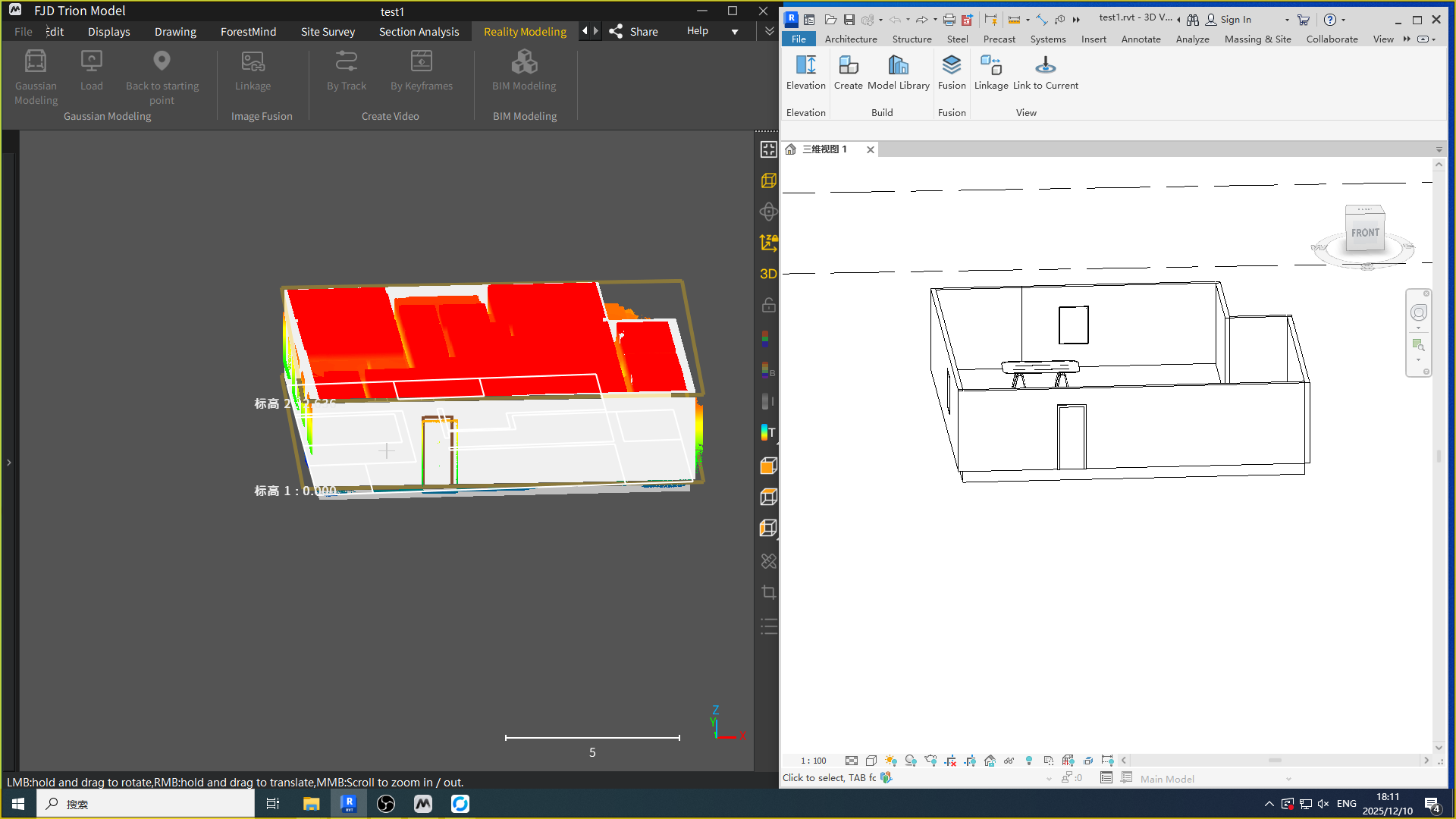
5. Dual-End Collaborative Synchronization
- Enables view synchronization between FJD Trion Model and Revit.
- Enables drawing synchronization.
- Supports one-click synchronization to the current view.
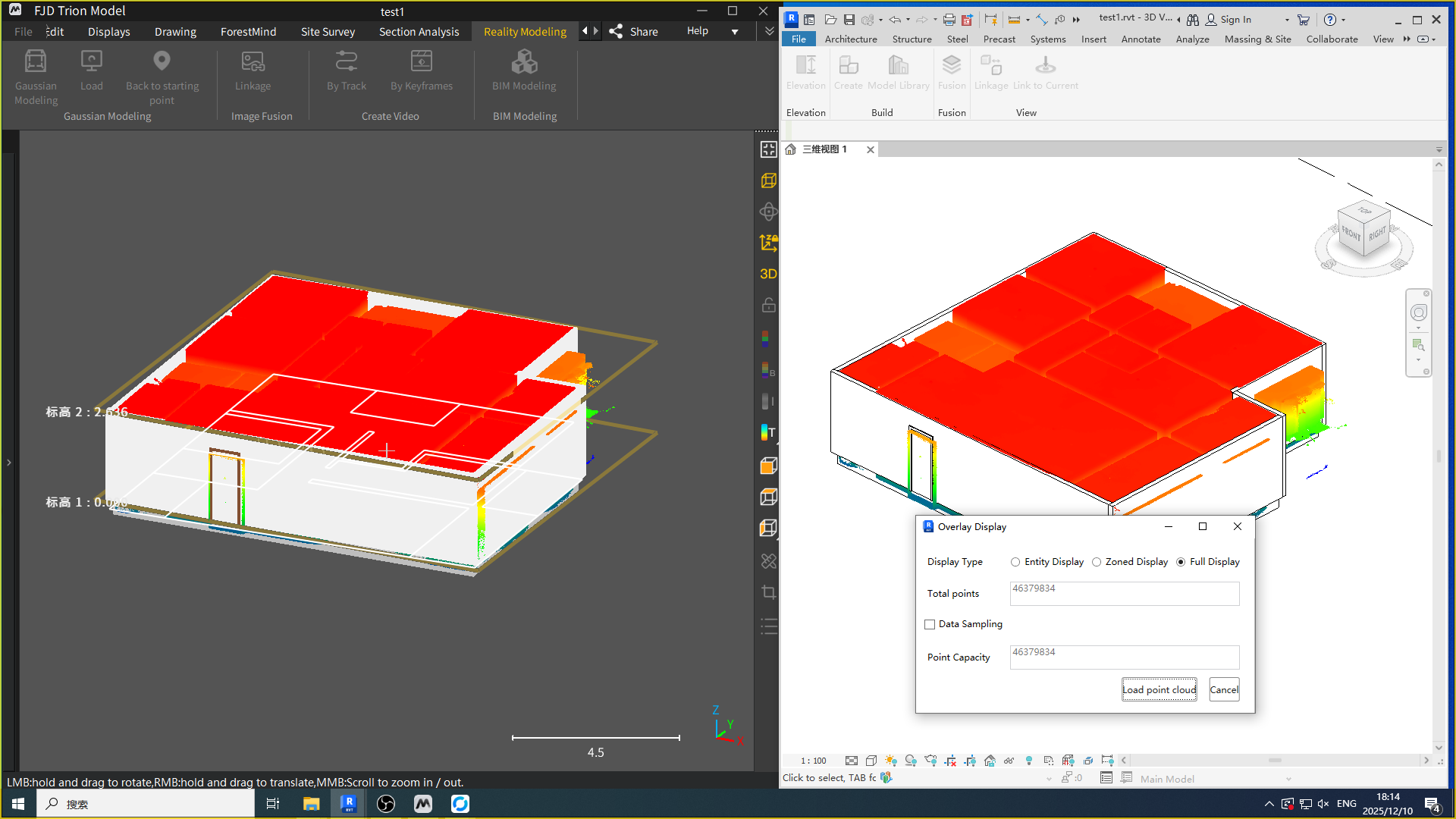
6. Overlay Display
- Supports loading multiple point cloud formats in Revit.
- Provides various display options for overlay visualization.
II. Scanning and Colorization Enhancements
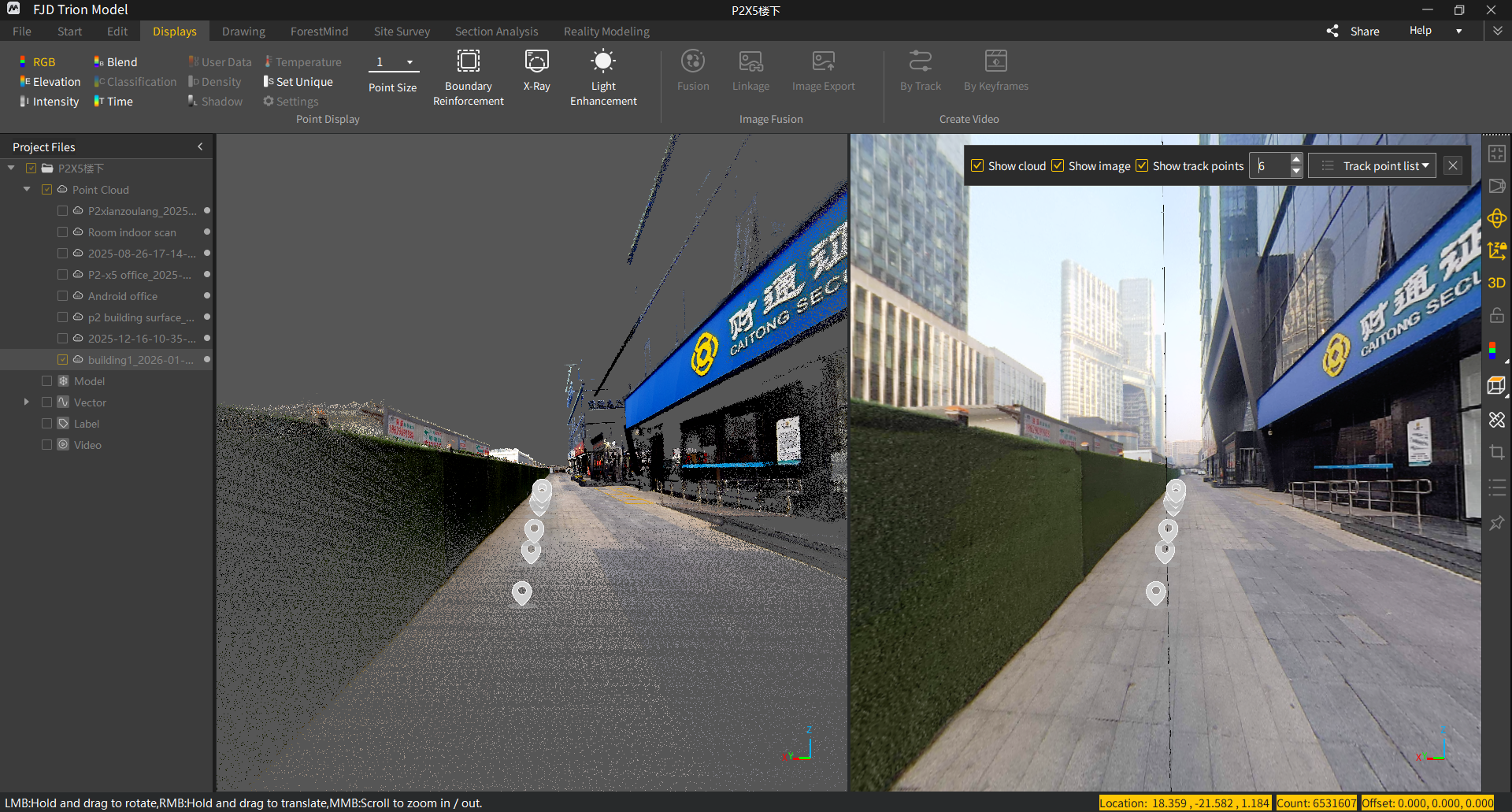
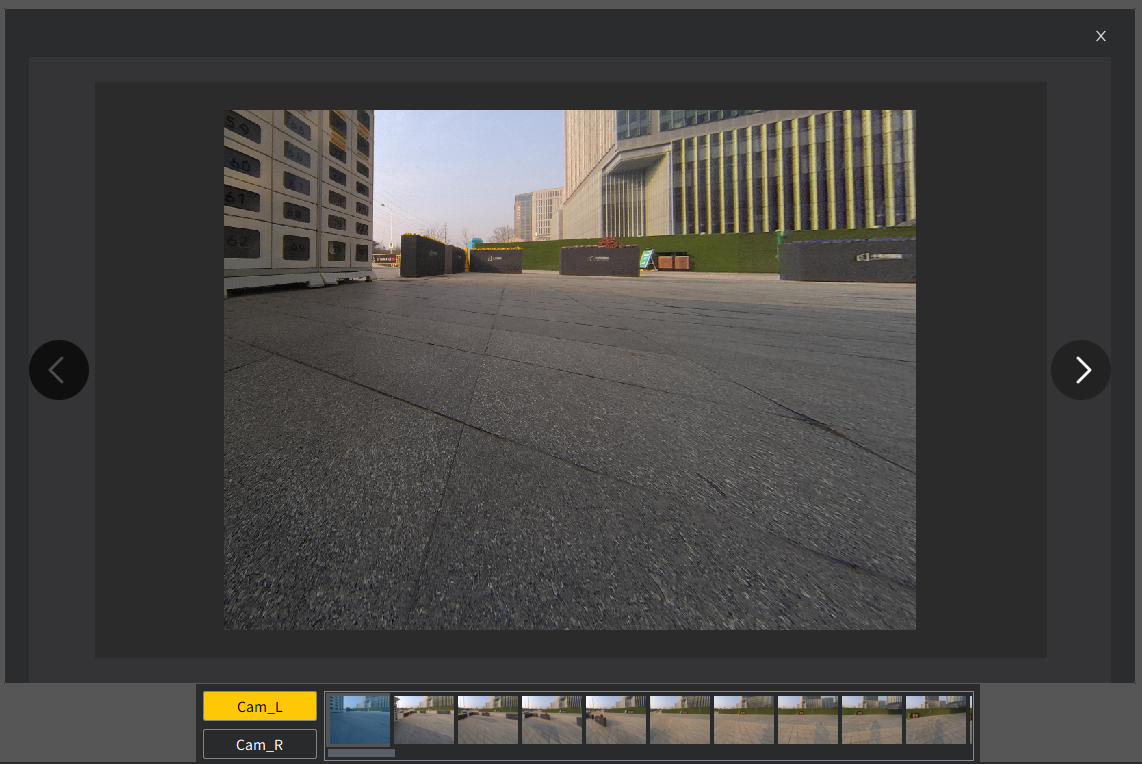
1. Built-in Camera Capabilities (S2 / P2):
- Supports image synchronization.
- Supports image fusion.
- Enables full or segmented image export.
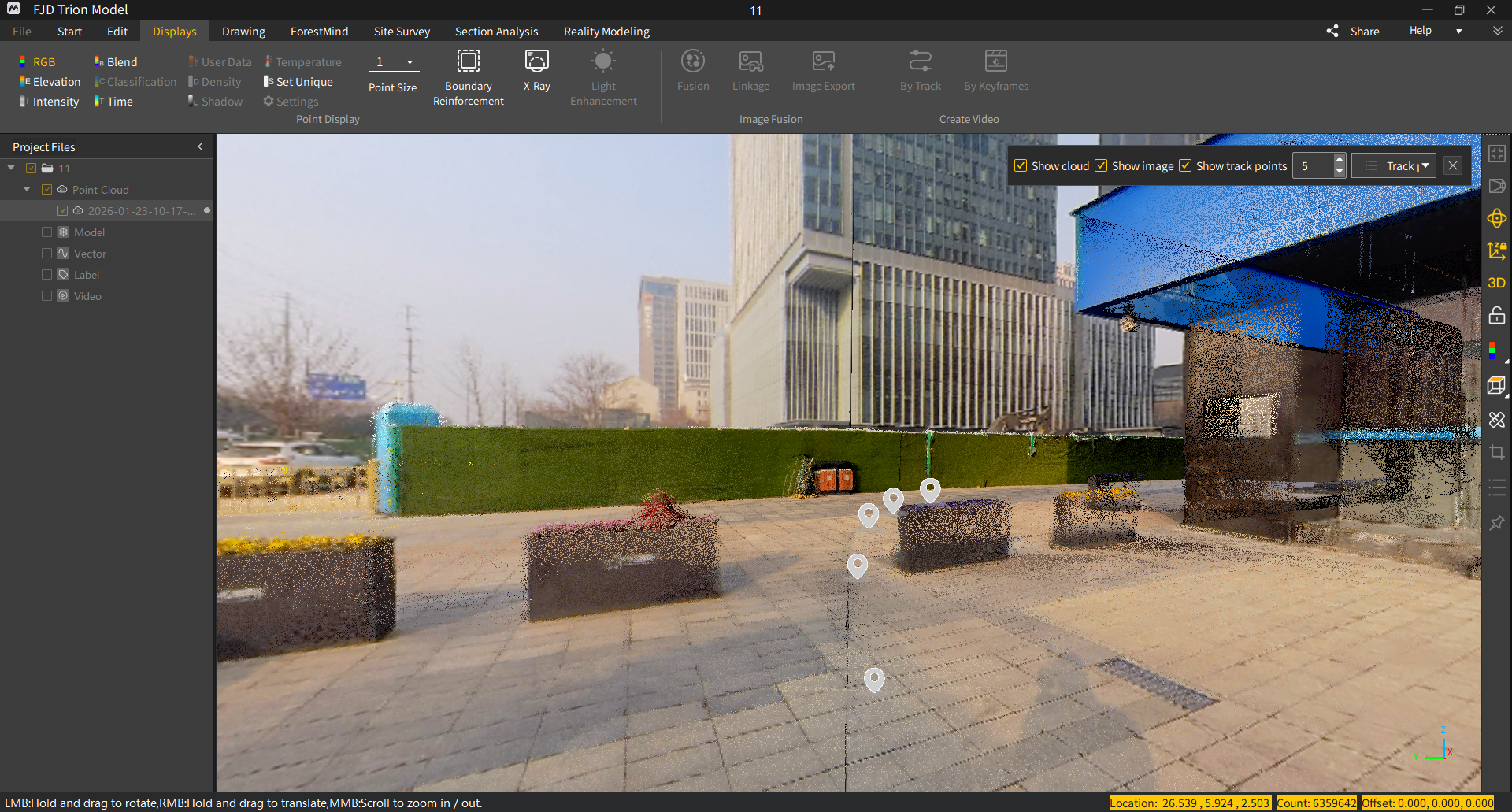
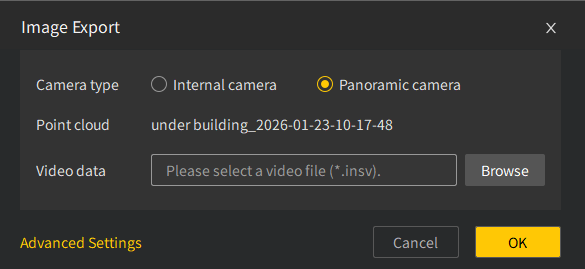
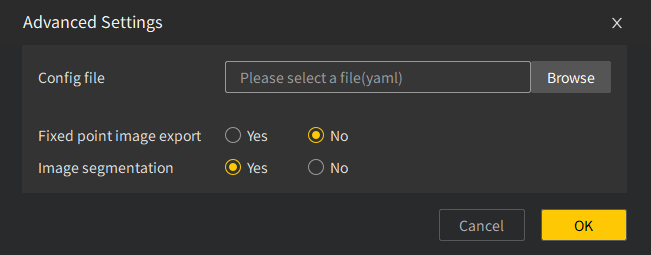
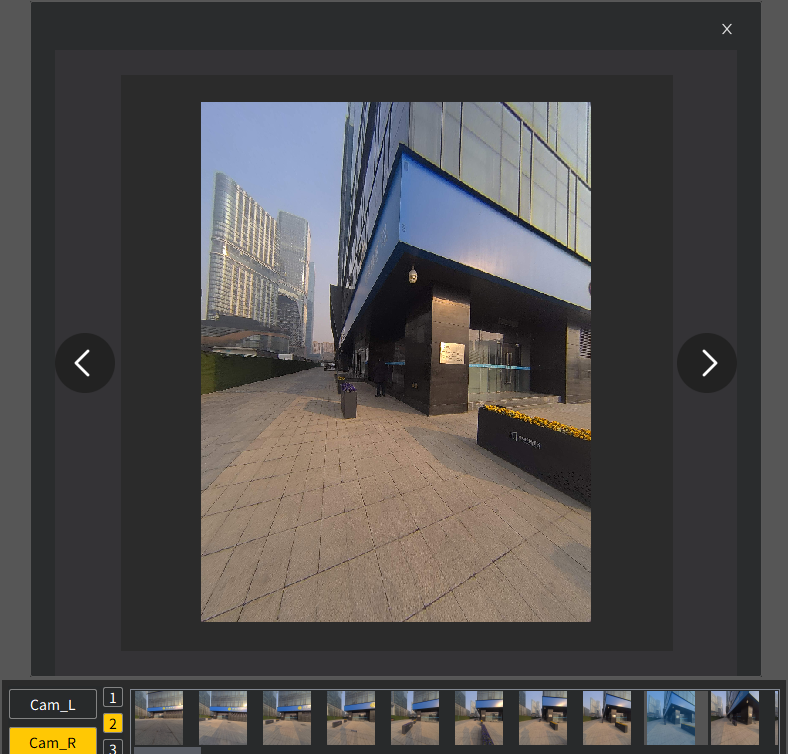
2. Multi-Source Colorization Support
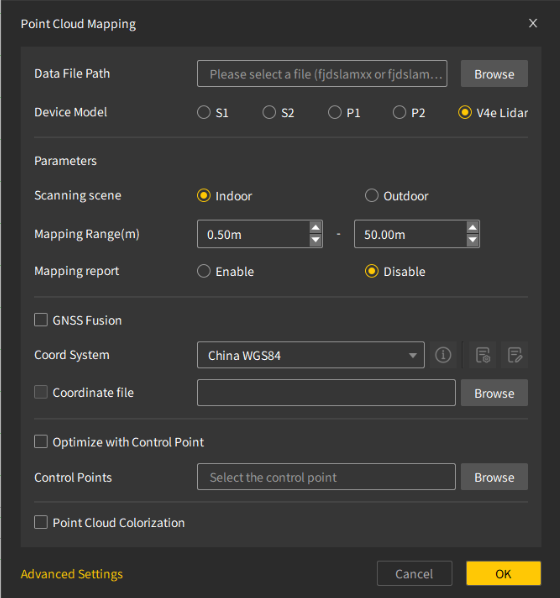
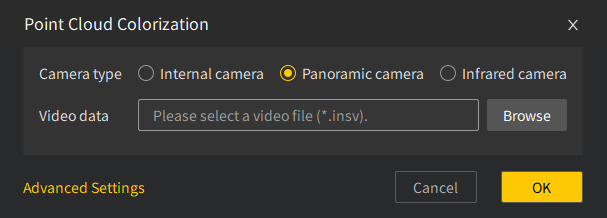
- Supports colorization using iPhone images with V4e LiDAR.
- Supports colorizing point clouds with images captured by the infrared camera accessory.
- Optimizes vehicle-mounted colorization by automatically removing vehicle interference (requires re-mapping before colorization).
3. Temperature Rendering
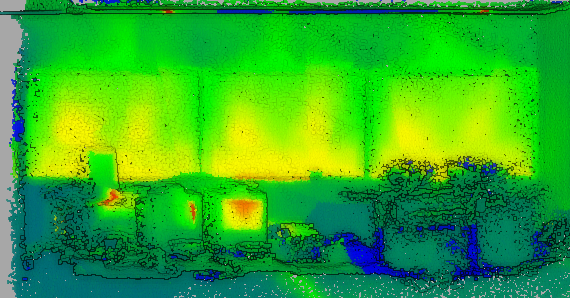
- Supports color band rendering based on temperature data.
4. GNSS + External Camera Support for 3DGS Modeling:
- Supports GNSS-fused point clouds for 3DGS modeling with an external camera.
- Allows 3DGS modeling on S2 and P2 X5 models.
5. V4e LiDAR Mapping on Android
- Supports V4e LiDAR mapping on Android devices (requires FJD Trion Scan 3.5.0; supports V4e and V4e Pro models).
III. Platform and Data Enhancements
1. Supports pointing accuracy verification for the P2 extension rod.
2. Supports Cloud Platform v1.3.3.
3. Enables direct loading of real-time TGZ data.
4. Optimizes fixed-point marking for the P2 external camera (v1.1.3) and supports exporting data based on annotated image names for easier on-site record keeping.
IV. Core Experience Enhancements
1. UI and Interaction Optimization
- Improves the layout of the Start, Edit, and View tabs.



2. Trajectory Function Enhancements:
- Adds a trajectory point list for easier browsing.
- Improves trajectory point display effects.
3. Multi-Data Synchronized Viewing
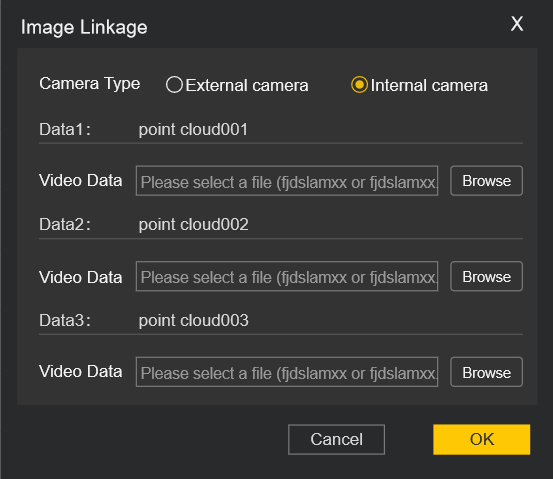
- Supports simultaneous synchronization of multiple point cloud and video datasets.
(Note: Only supported for individual point clouds; merged point clouds are not supported)
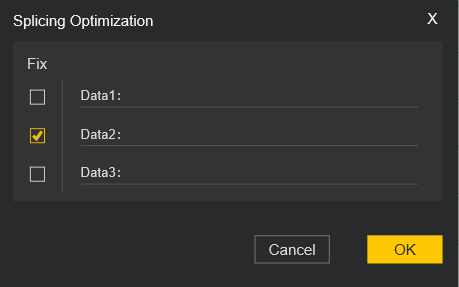
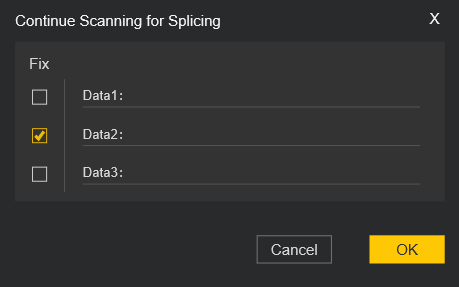
4. Stitching and Continuous Scan Optimization
- Added fixed data logic to improve overall stitching quality
5. Crop Box Visibility Optimization
- Ensures crop box control buttons remain visible from all viewing angles.
6. Accuracy and Measurement Enhancements
- Optimizes default parameters for accuracy assessment (neighborhood radius: 0.10).
- Resolved issues with high-precision point cloud selection.
- Supports length measurement deviation calculations across different planes.
7. Operational Safety Enhancements:
- Prompts users to save the project when changing language to prevent accidental data loss.
- Automatically associates relevant data usage records.
V. Bug Fixes
- Fixes an issue with exporting large-coordinate point clouds.
- Fixes an issue causing errors in forest tree estimation.