I.Version Overview
This release upgrades V4e / V4e Pro mapping capabilities to improve field mapping efficiency, RTK work stability, and data reliability.This update includes:
- Adds V4e Series point collection support for collecting polygon, polyline, and point map elements
- Adds V4e Pro tilt measurement to improve measurement efficiency in complex environments
- Improves RTK work stability with non-Fixed status blocking and loss-of-Fixed protection
- Adds standard JSON data export in the WGS84 coordinate system for desktop point cloud model alignment
- Adds Continue Work and breakpoint resume capabilities for flexible long-term project editing
- Adds cloud upload for device logs to improve troubleshooting and after-sales support
II.New Features
1. V4e Series GNSS Receiver Support
- Supports connection to V4e Series GNSS receiver
- Supports quick device search and connection via Bluetooth
- Supports collection of multiple map element types, including polygons, polylines, and points
- Supports polygon elements, including boundaries, no-go zones, and non-working areas
- Supports polyline elements, including connection lines
- Supports point elements, including charging stations and key points
- Supports satellite basemap loading and caching for field reference and data collection
2. Standard WGS84 Data Export
- Supports exporting mapping data in the WGS84 coordinate system
- Supports standard JSON file export
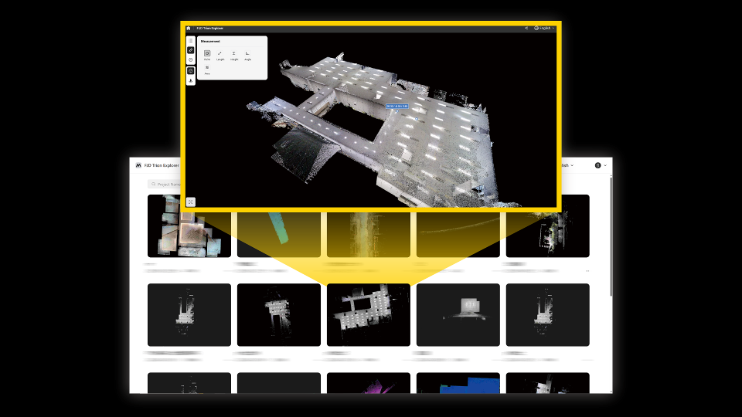
- Enables field data to be used for desktop point cloud model alignment, improving collaboration between fieldwork and office processing
3. Continue Work and Breakpoint Resume
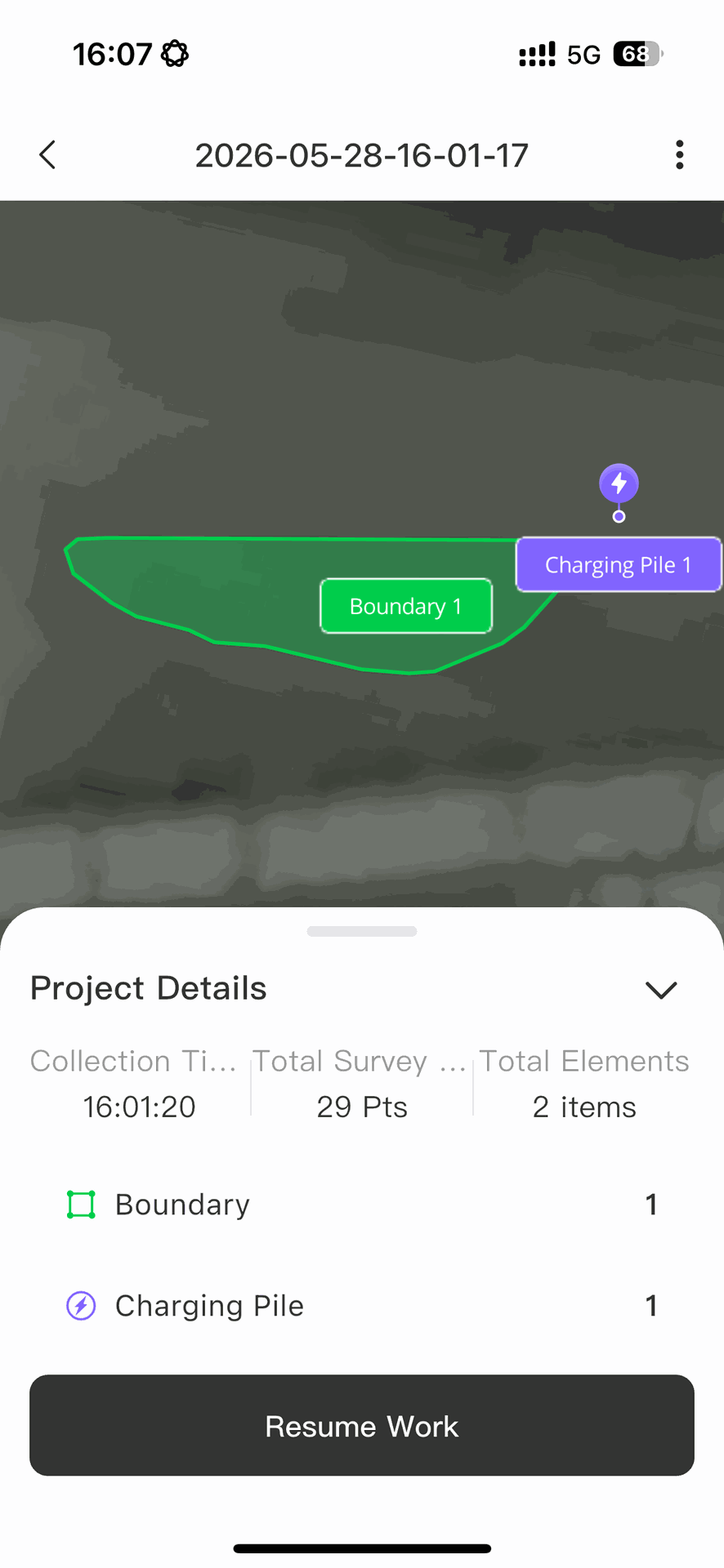
- Supports continued editing of completed projects
- Supports breakpoint resume for polyline and polygon data collection
- Supports adding, deleting, and editing existing map data
- Improves editing flexibility for long-term projects and phased fieldwork
4. V4e Pro Tilt Measurement
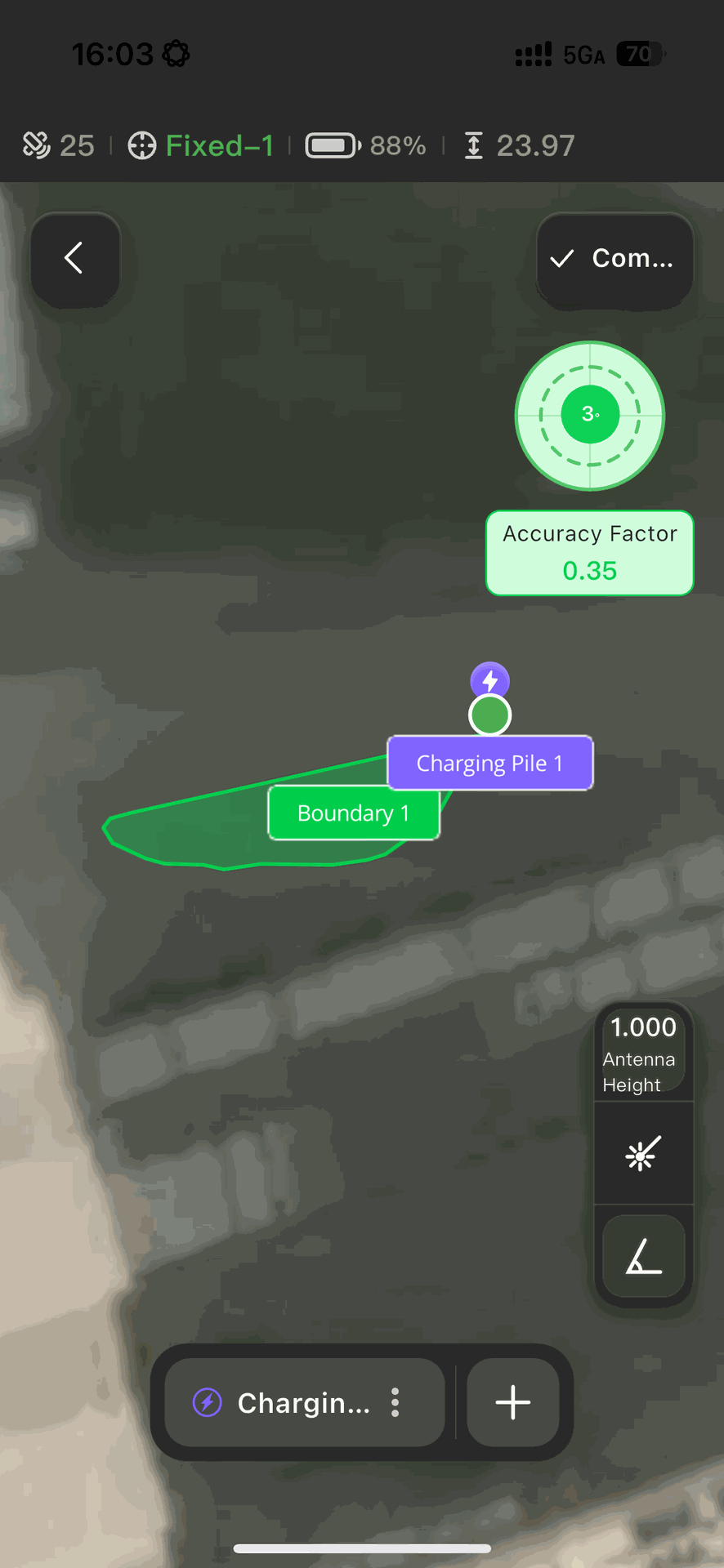
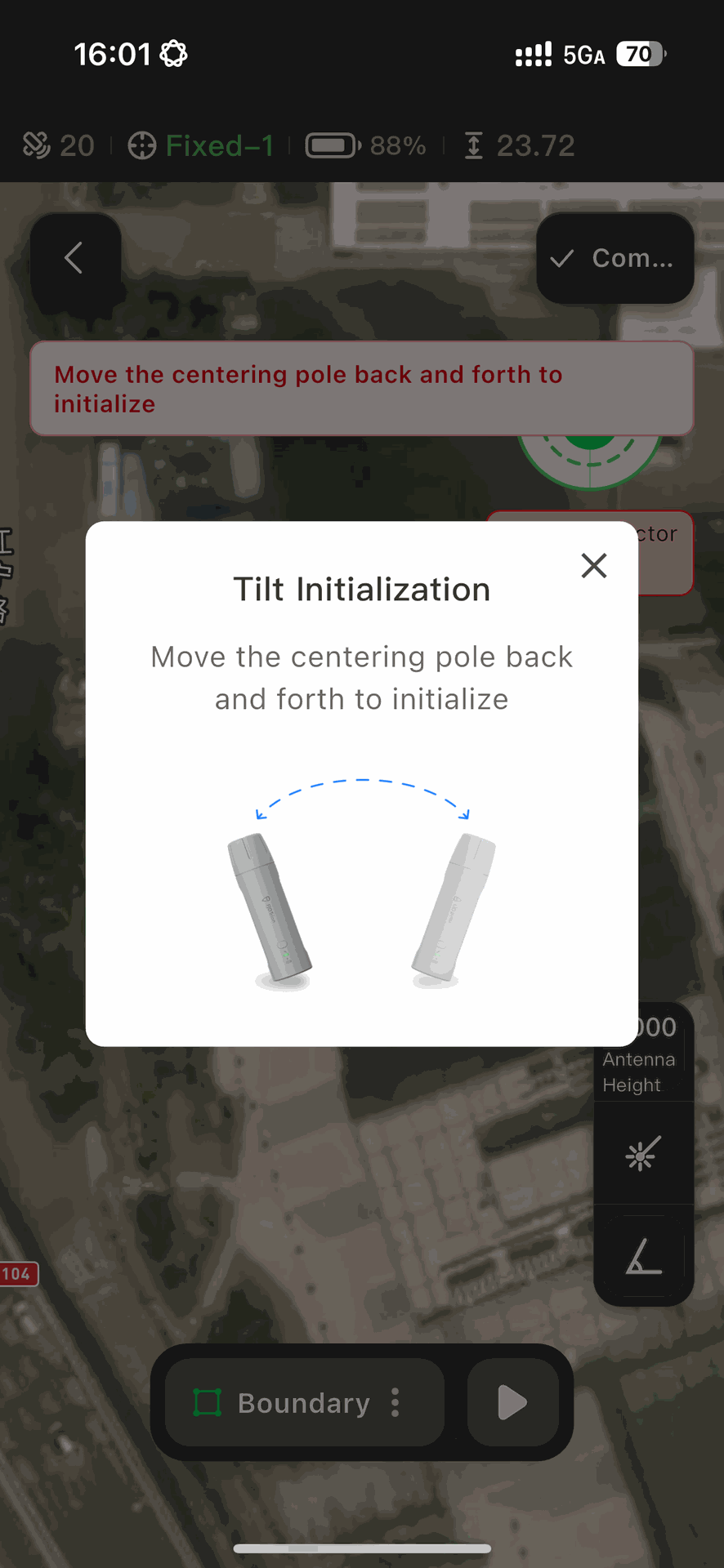
- Supports IMU-based tilt measurement
- Supports device attitude verification with a dynamic bubble level
- Supports real-time monitoring of accuracy factors
- Supports linked control between laser measurement and tilt measurement
- Improves measurement efficiency in complex environments
5. Cloud Upload for Device Logs
- Supports automatic device log upload to the cloud
- Switches automatically to local log download when no network connection is available
- Improves troubleshooting, remote diagnosis, and after-sales support efficiency
III.Enhancements
RTK Work Stability
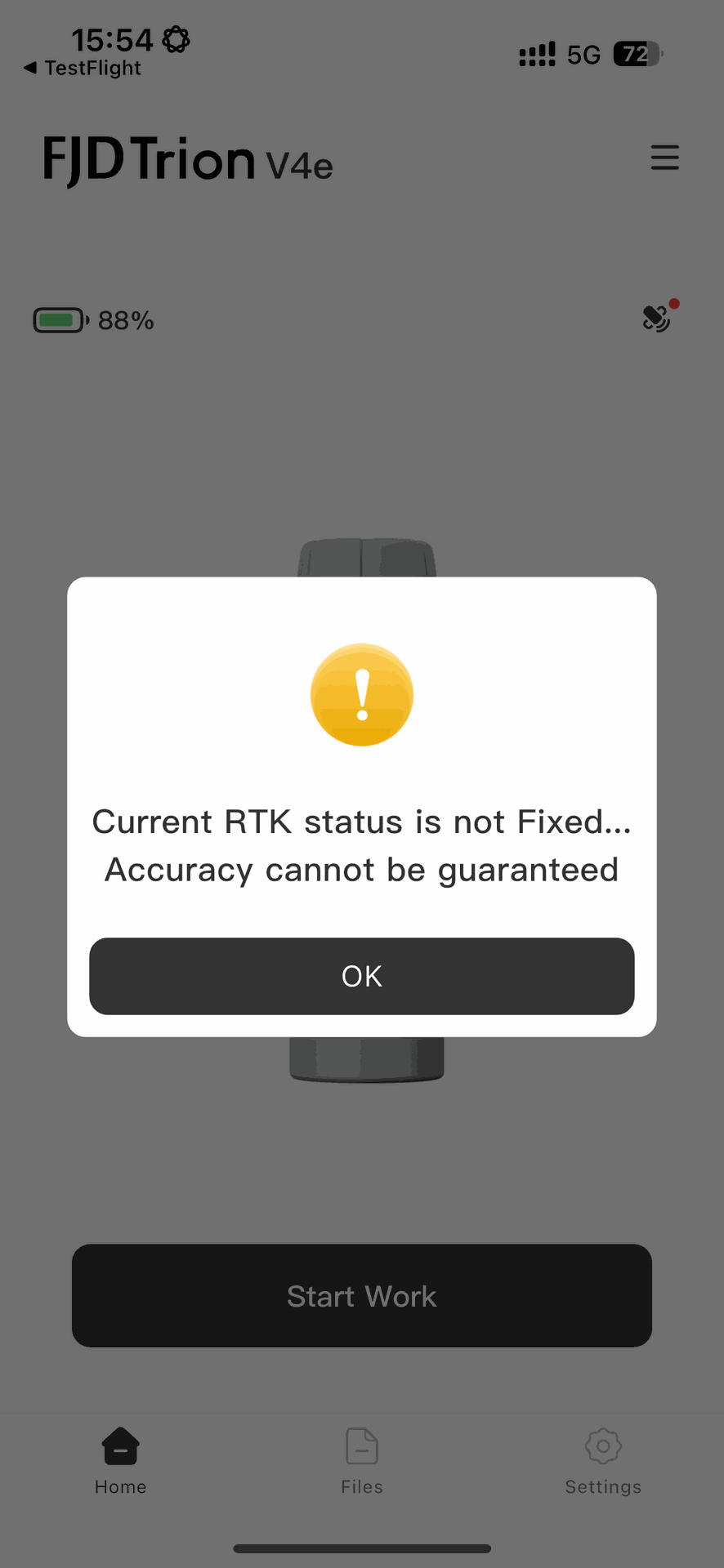
- Adds strict RTK status validation
- Blocks high-precision mapping when the RTK status is not Fixed
- Adds automatic pause protection when RTK loses Fixed status
- Supports automatic collection resume after the RTK signal recovers
- Reduces the risk of invalid data entering output files and improves data reliability
IV.Workflow
- Device Connection Flow: Software Settings -> V4e Point Collection -> Device Home Page -> Bluetooth Scan -> Connect to the specified device -> Connection successful.
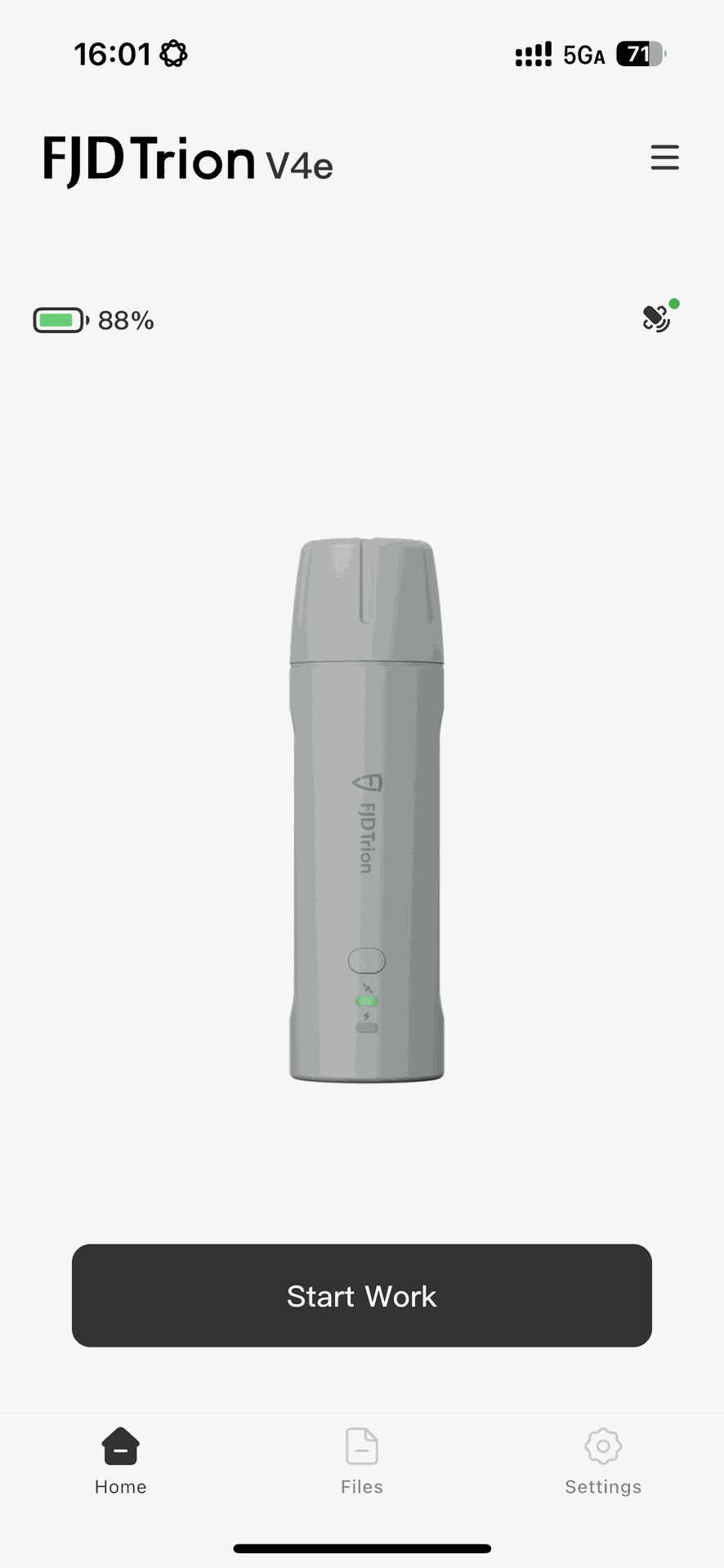
- Verification and Preparation: Check battery level and satellite status -> Tap the status card to view detailed RTK data -> Tap Start Work -> The system strictly verifies the RTK status and blocks non-Fixed status -> Initialize the project name.
- Map Collection: Select the collection type (Polygon Collection / Line Collection / Point Collection) -> Start Collection, or collect points instantly -> Automatically capture coordinates and draw trajectories -> Handle unexpected loss of Fixed status, with automatic interruption or invalidation -> Optional: tap to delete the drawing -> Finish and save the project.
- Data and Device Management:
- Files: View project cards -> Open Project Details to view map rendering -> Rename, export, or delete projects.
- Export Collaboration (Field to Office): Tap Export Data. The system packages the underlying persistent data into a JSON file using the unified WGS84 coordinate system, allowing seamless alignment with desktop point cloud models.
- Settings: Disconnect the current device and safely return to the home page.
V.Download
- Existing users: Open FJD Trion Scan → go to Settings → tap Check for Updates to upgrade.
- New Android users: Search for “FJD Trion Scan” on Google Play to download.
- New iOS users: Search for “FJD Trion Scan” on the App Store to download.