I.Drawing Module Upgrade
1. Floor Plan Extraction
- Adds one-click floor plan extraction for indoor scenes within 200 m².
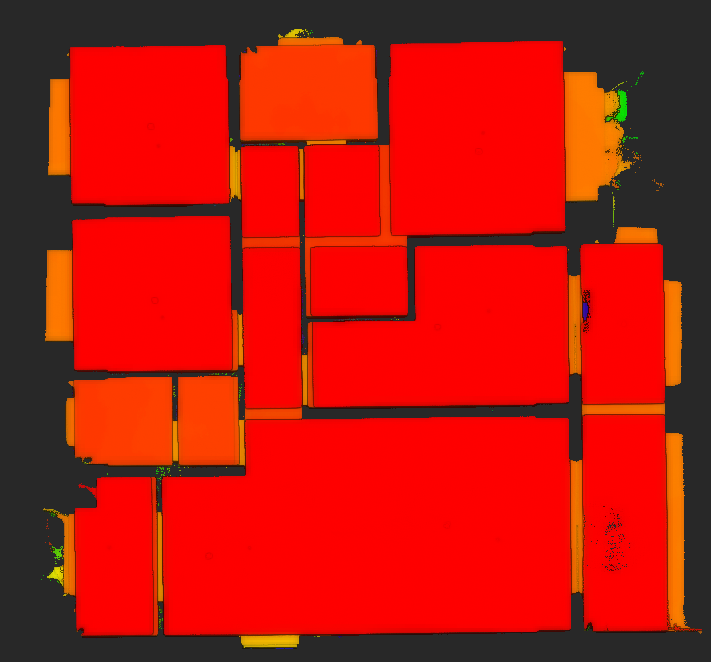
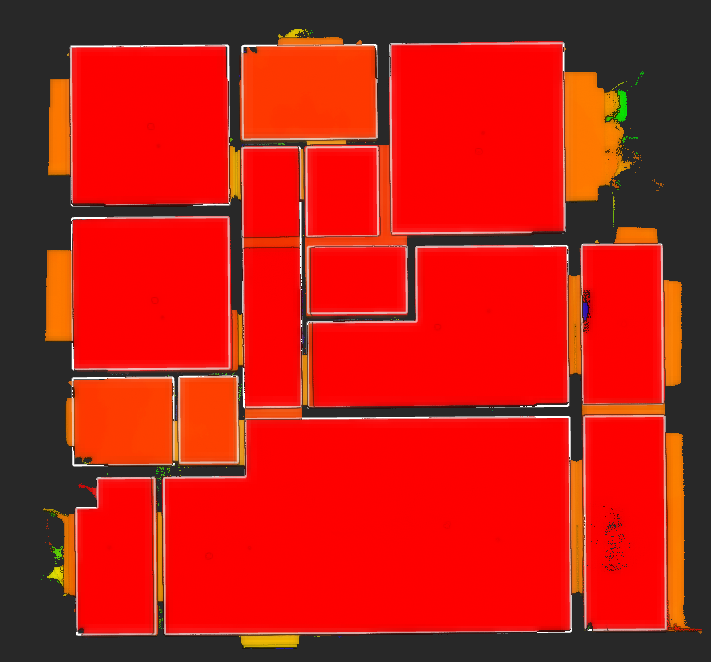
2. Building Correction
- Adds building correction to align scanned building point clouds based on their geometric features.
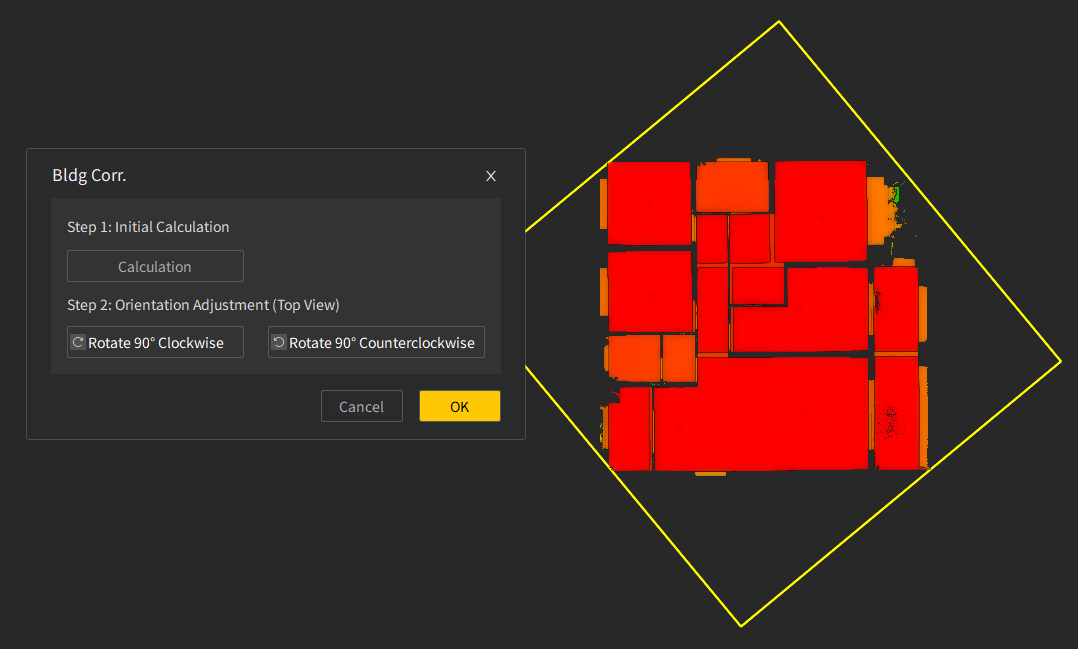
3. Element Drawing and Editing
- Adds drawing tools for annotations, input-based drawing, and segmented undo for polylines.
- Adds an explode function to break blocks, polylines, and other objects into individual elements.
- Enables solid fills and hatch fills for drawing elements.
4. Dimension and Property Annotation
- Adds aligned and linear dimensions for annotating element lengths.
- Adds arc length, radius, and diameter measurements for annotating element properties.
- Adds text and leader annotations for adding notes to drawing elements.
5. Drawing Assistance and Efficiency Tools
- Adds self-snapping to capture the current element during drawing.
- Provides grid axis settings for defining and adding grid axes.
- Adds coordinate system settings for custom coordinate systems.
- Adds block element support for defining and inserting blocks.
- Adds shortcuts for image drawing and editing to improve drafting efficiency.
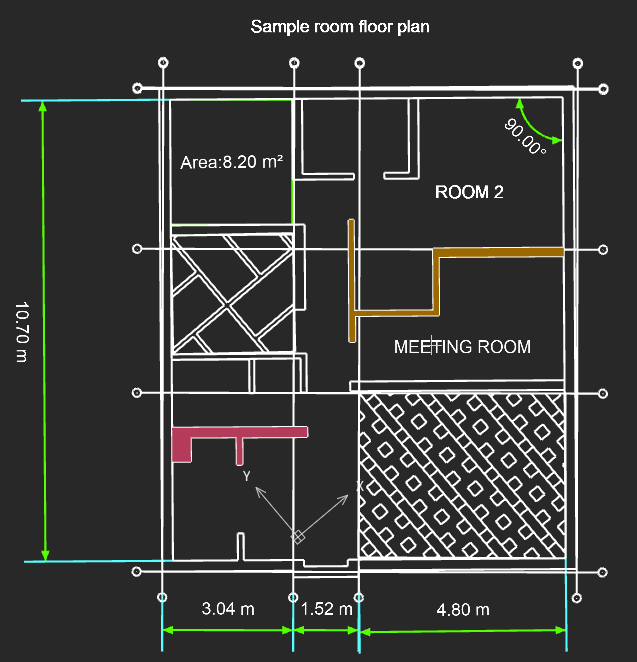
6. Personalization Settings
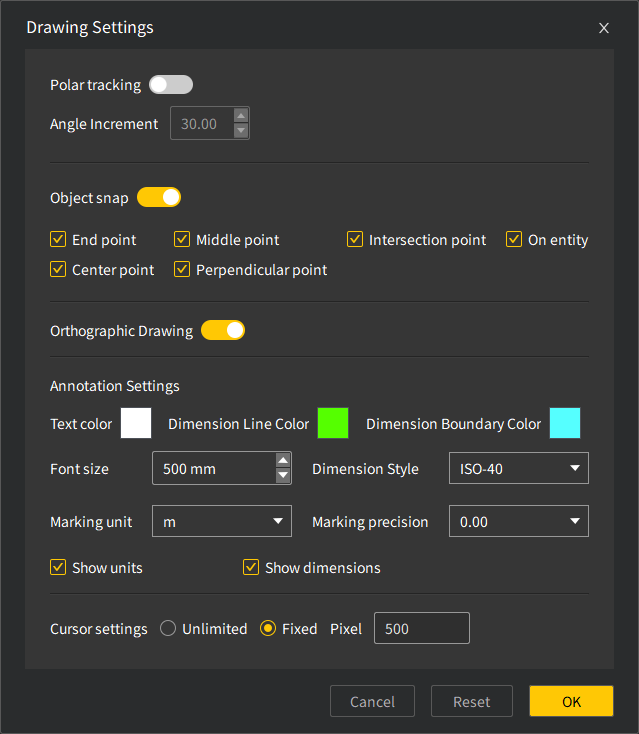
- Adds mouse settings and annotation settings for customizing cursor display and annotation styles.
II.Volume Calculation Upgrade
1. Projection Reference Plane Settings
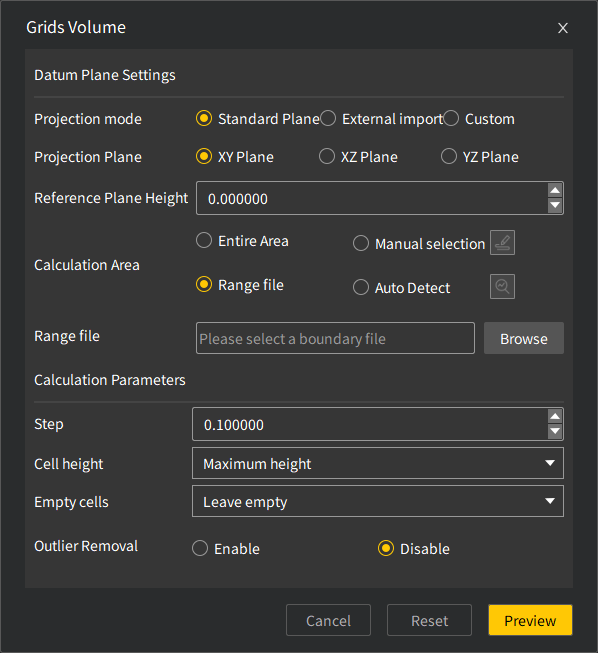
- Adds standard projection plane settings for XY, XZ, and YZ planes.
- Enables imported *.ply, *.obj, and *.xml model files to be used as reference planes for volume calculation.
- Adds custom projection plane setup based on selected points.
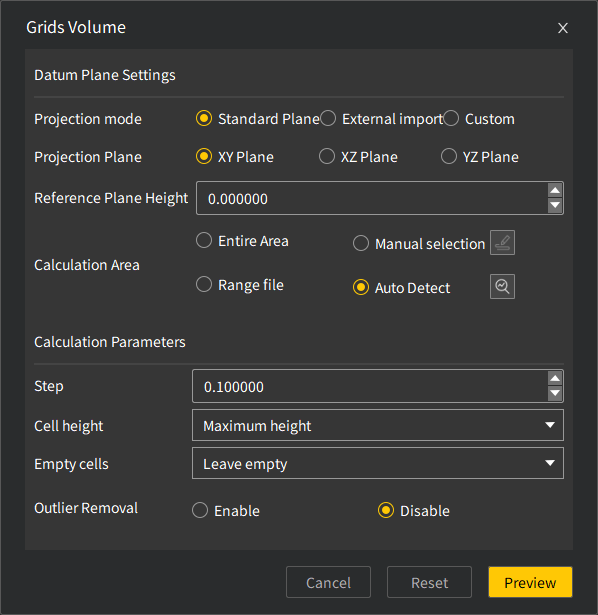
2. Calculation Area Selection
- Supports volume calculation for the entire selected range.
- Allows users to select a specific area within the range for volume calculation.
- Supports boundary-based area selection for volume calculation.
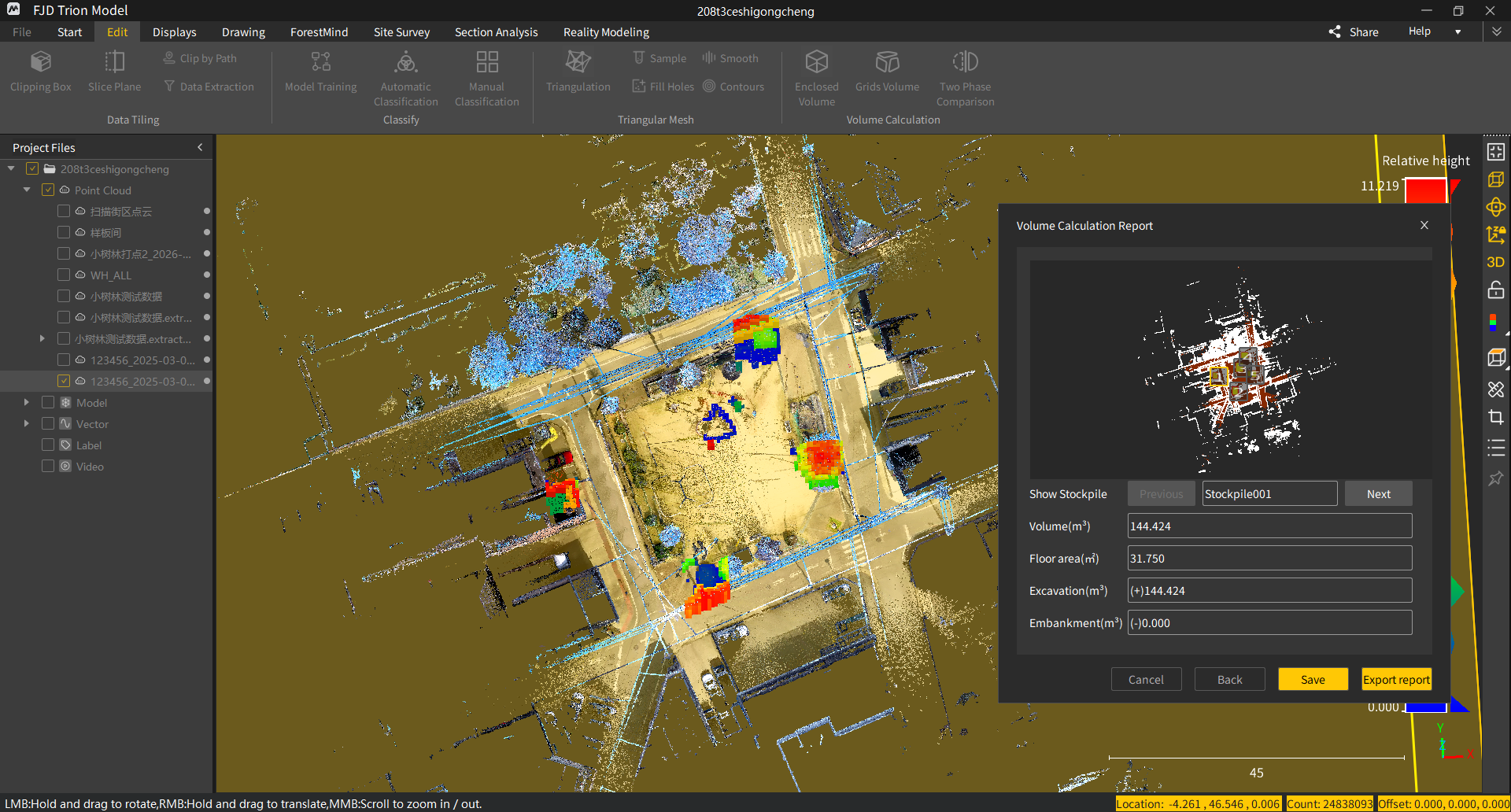
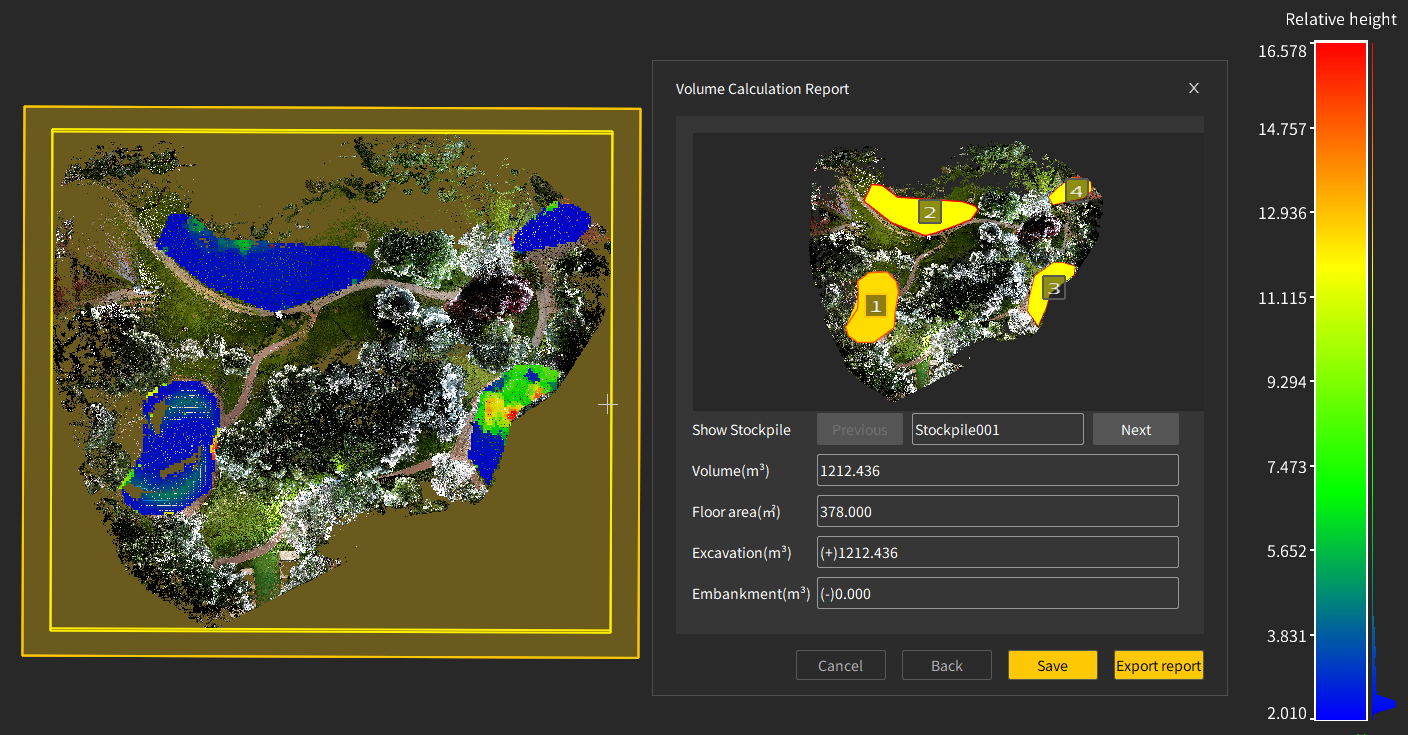
- Adds automatic pile boundary detection for volume calculation.
3. Abnormal Height Filtering
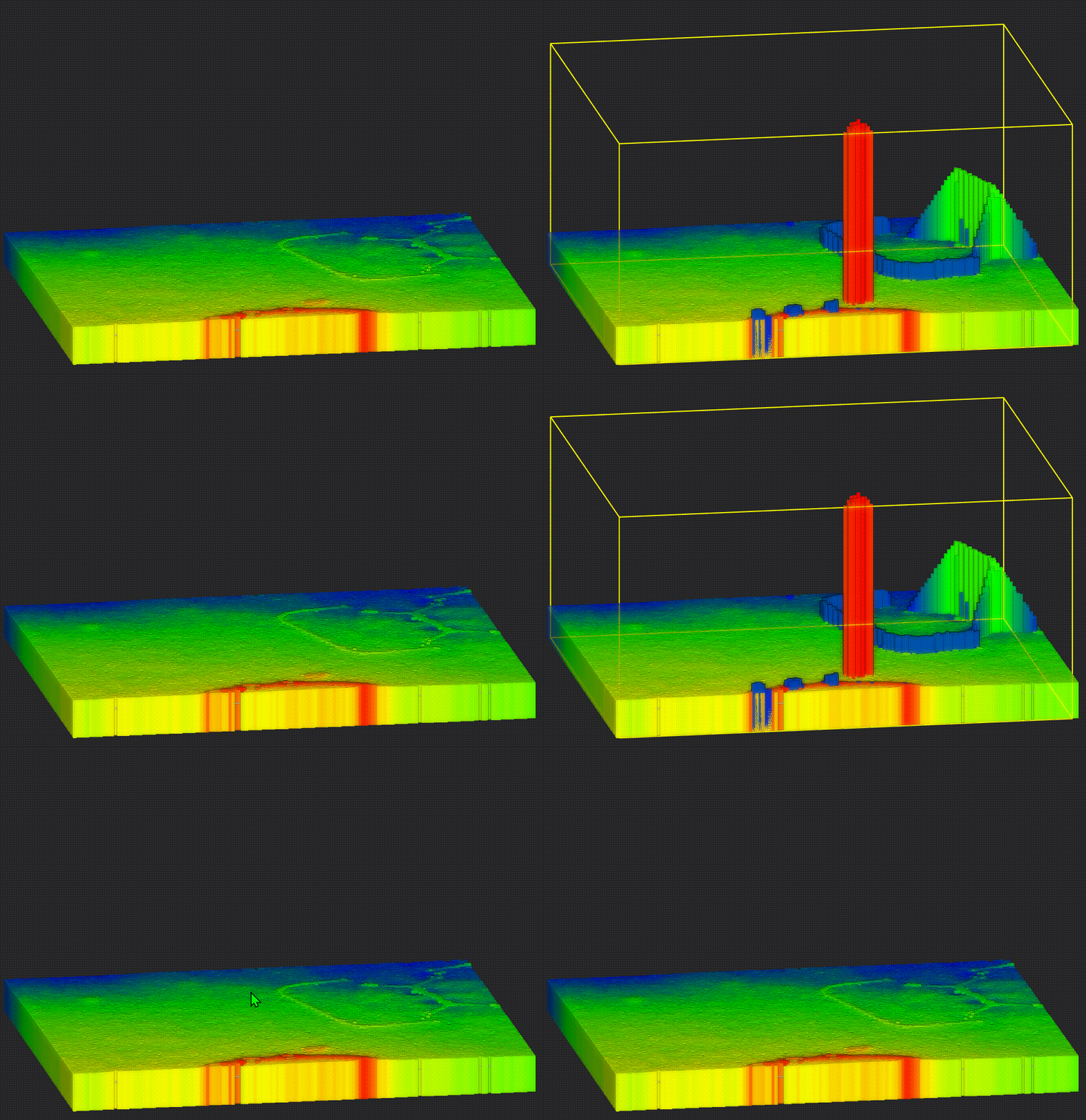
- Adds abnormal height filtering to remove operators, grass, trees, and other height outliers from volume calculations.
III.Point Cloud and Data Processing
1. Boundary Cropping
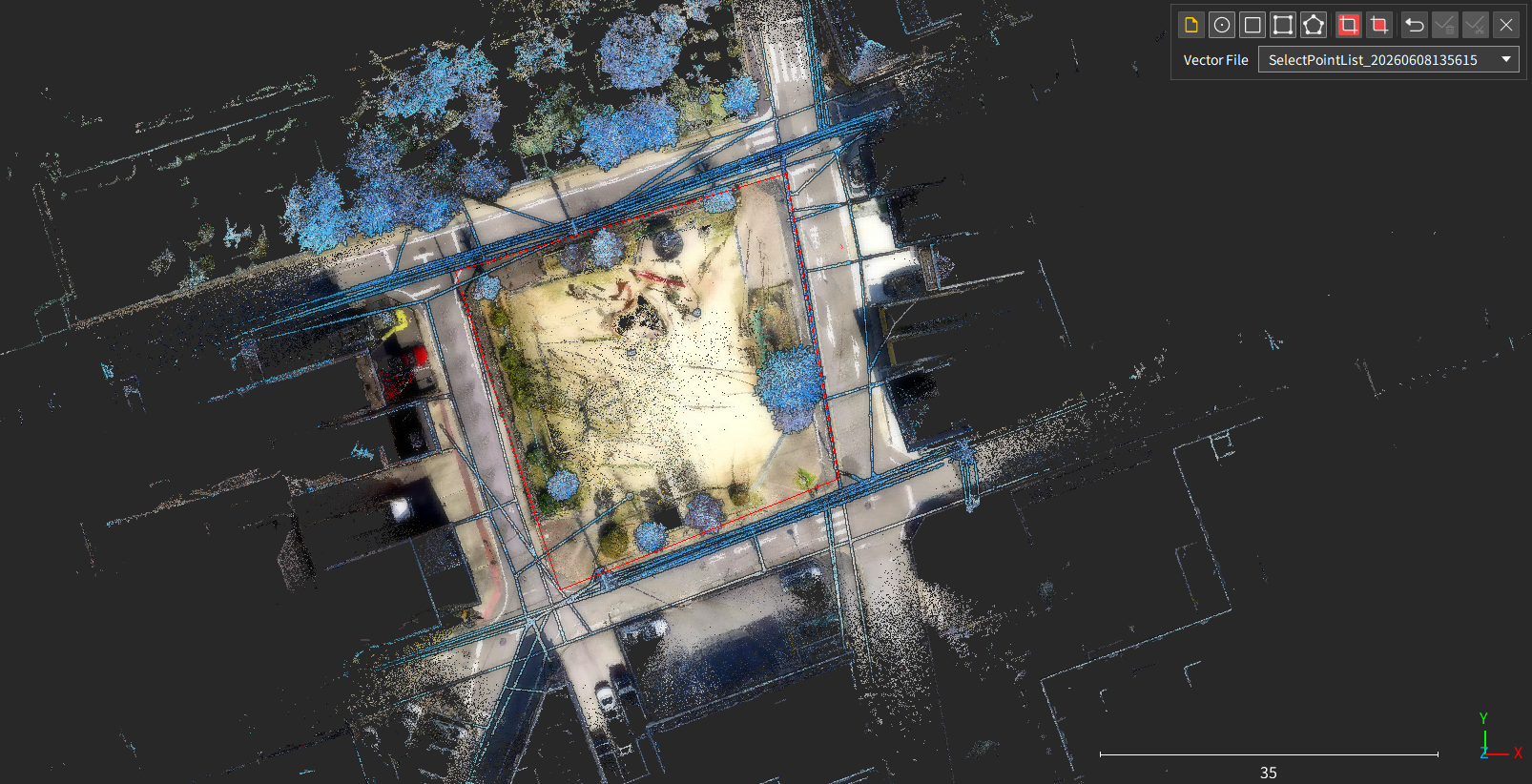
- Adds boundary cropping to cut point cloud data using vector boundaries.
2. Contours
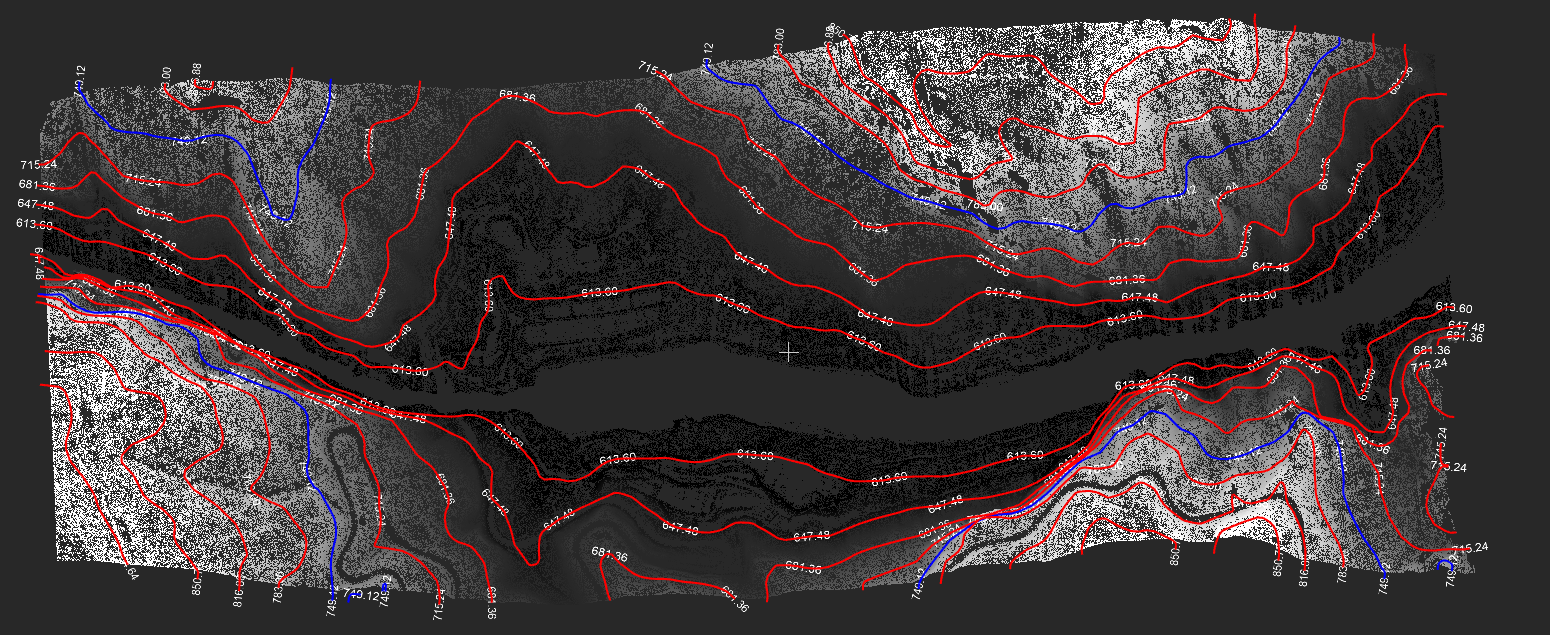
- Adds contour annotation settings with multiple annotation methods.
3. Plane Cutting
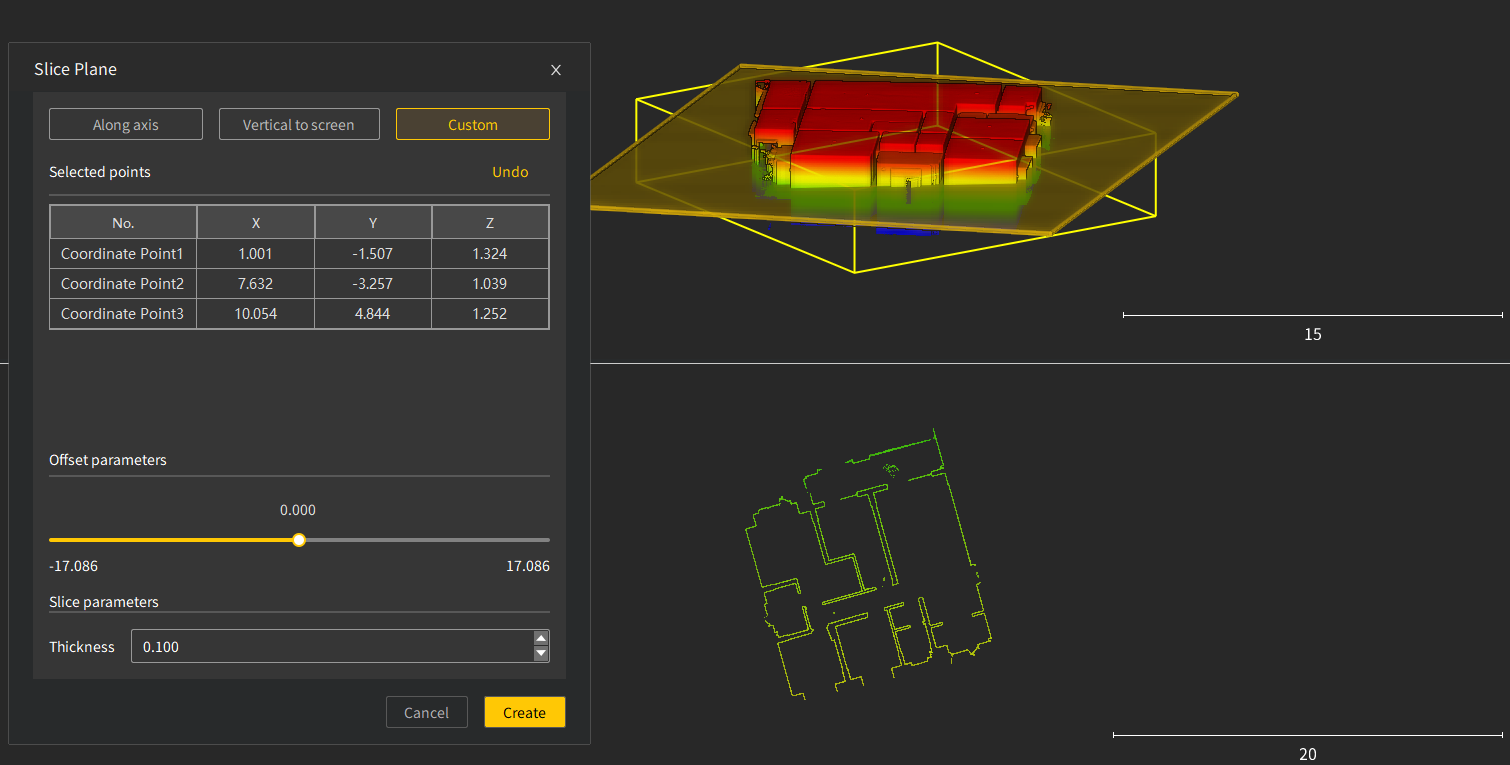
- Adds custom three-point setup for defining plane cuts by selecting points.
4. RCP/RCS Format Support
- Adds RCP and RCS format support, allowing LAS files to be converted for direct import into Autodesk ReCap and Revit.
IV.Forestry Core Features
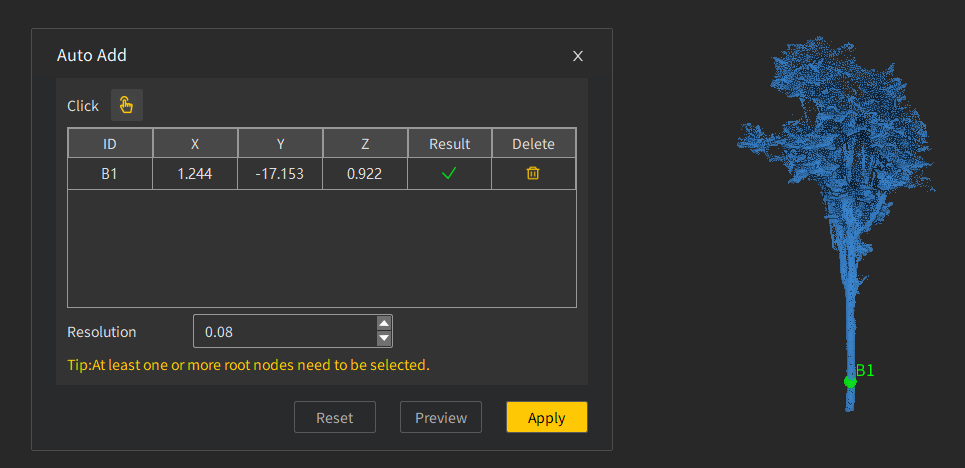
1. Adding Individual Trees by Seed Point
- Enables users to quickly add individual trees that were not automatically segmented.
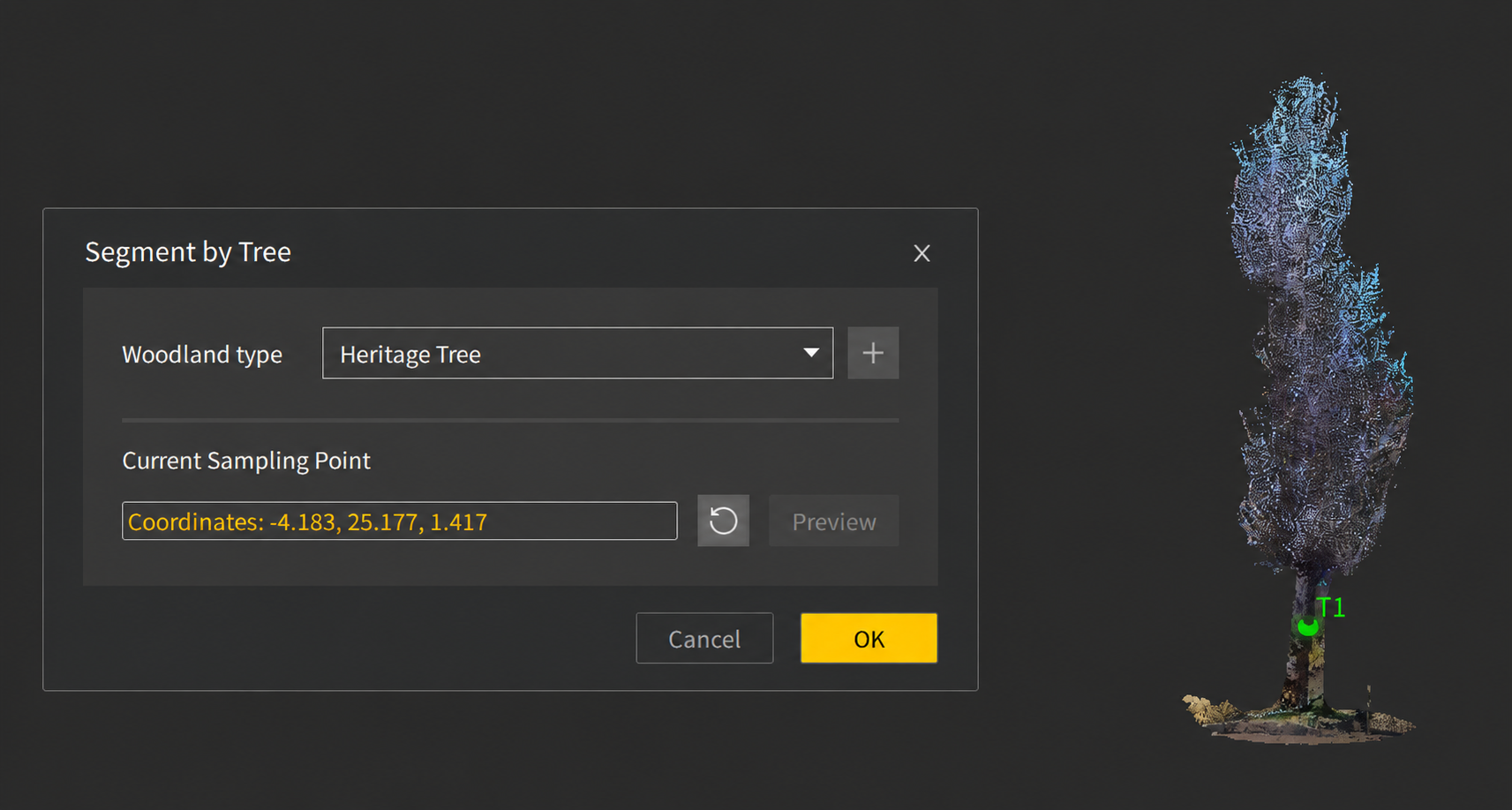
2. Heritage Tree Extraction
- Enables complete extraction of complex individual trees by selecting trunk points.
V.Enhancements
1. Point Cloud and Data Processing
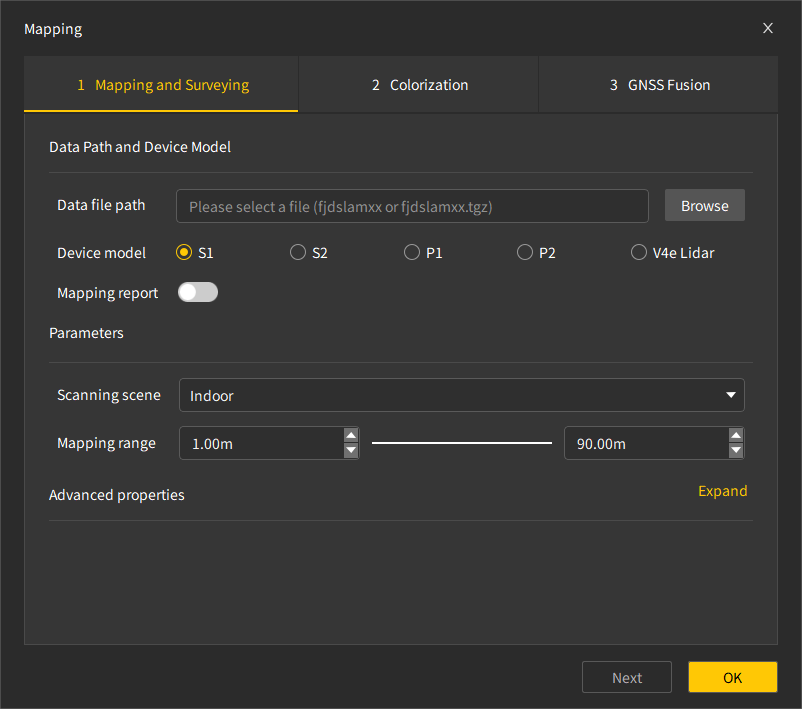
- Improves the point cloud mapping interface layout.
2. Modeling and Mesh Quality
- Improves triangular mesh generation efficiency and output quality.
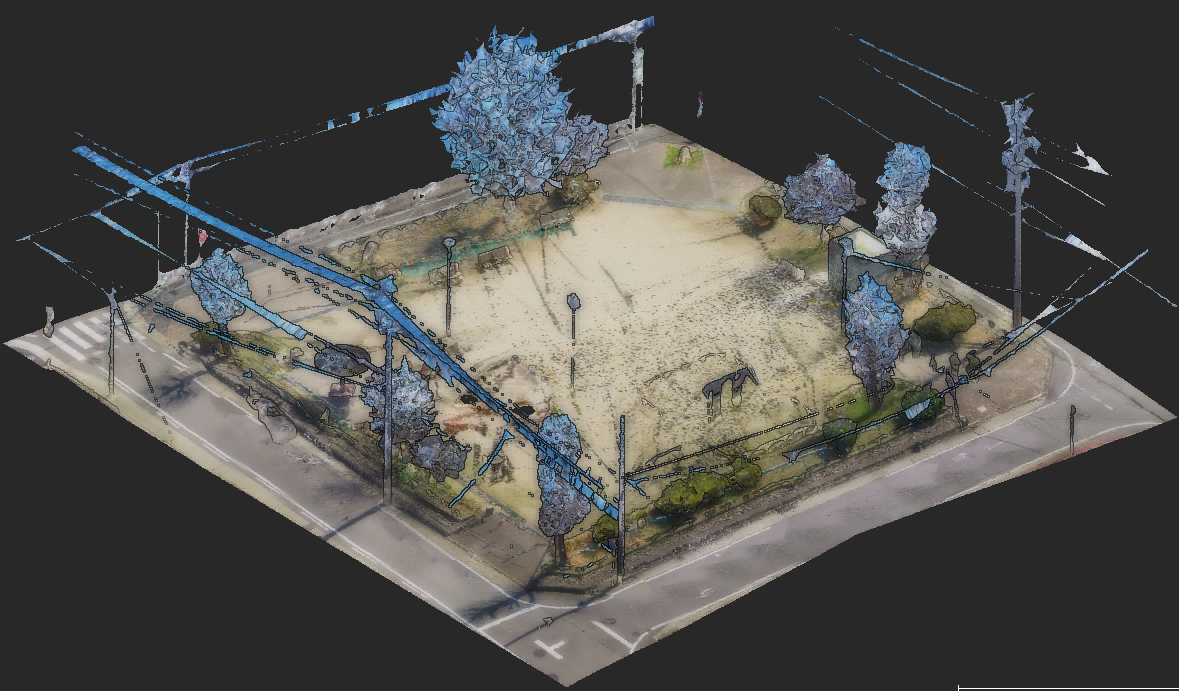
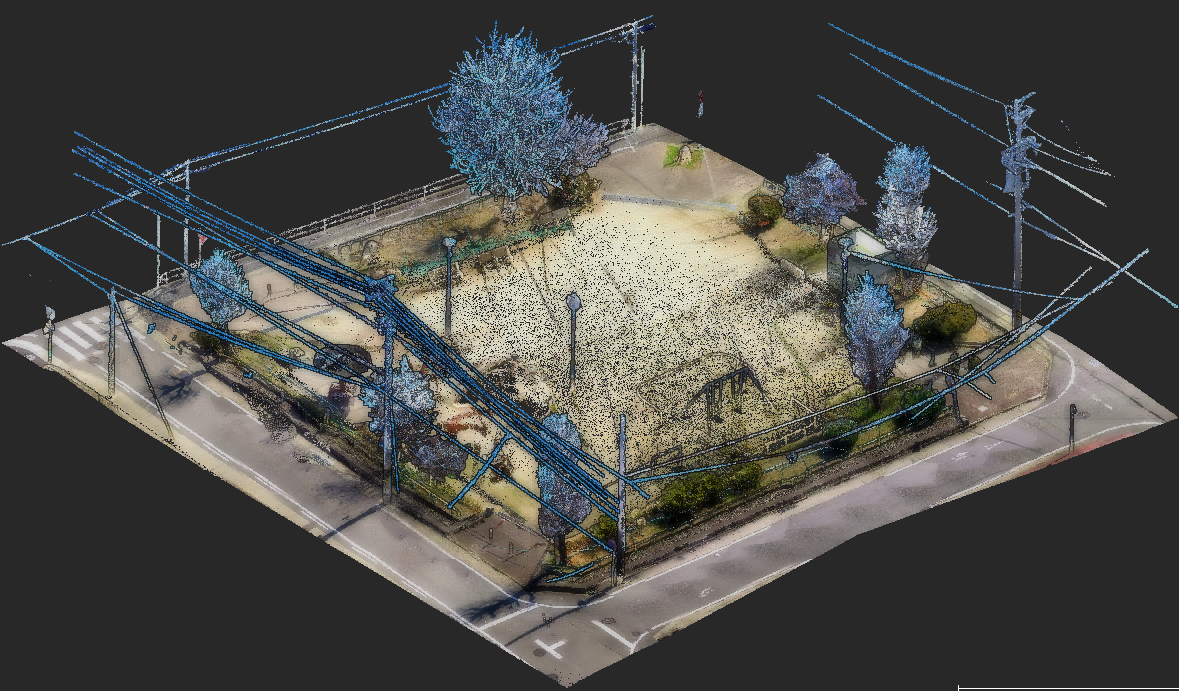
- Adds computing power detection and optimizes 3DGS (3D Gaussian Splatting) real-scene modeling quality across multiple scenarios.
3. Algorithm Efficiency
- Improves basic point cloud processing efficiency, including normal calculation, supersampling, point cloud registration, density calculation, outlier removal, model training, and ray enhancement.
- Uses LAZ as the default point cloud reconstruction format to improve processing efficiency and reduce storage usage.
- Improves calculation efficiency for ground point extraction and individual tree segmentation.
- Adds support for optimized mapping using V4e LiDAR base control points.
- Adds support for colorization and image export for V4e LiDAR data collected on Android.
4. Interaction and Measurement
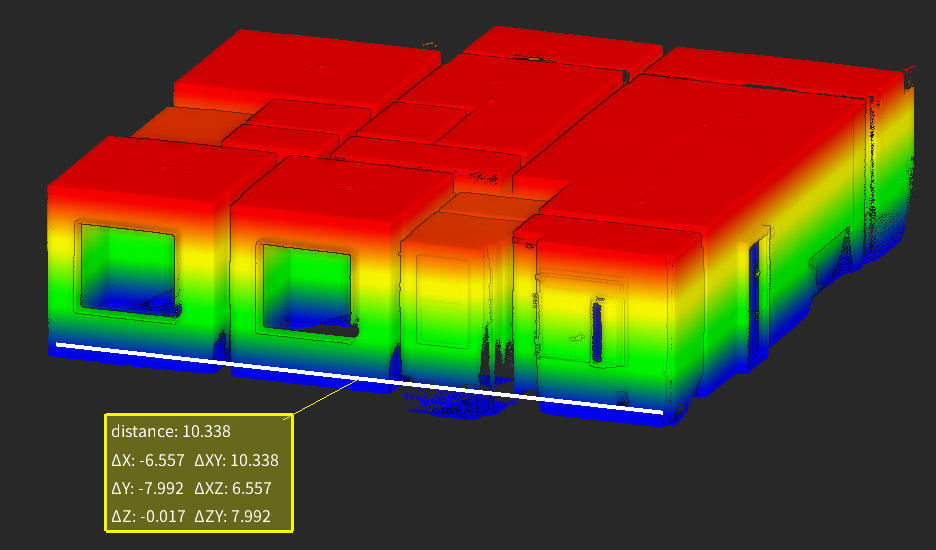
- Enhances distance measurement by displaying measurement components in different directions.
5. System Compatibility and Language
- Supports online manual updates.
- Improves software interface adaptation across different computer display resolutions.
- Adds Ukrainian language support.
6. Version Information
- FJD Trion Scan Version: V3.7.0
- Firmware Versions: S1 V2.6.3; S2 V1.4.1; P1 V1.7.2; P2 V1.1.4