I.New Features
1. Rover Management
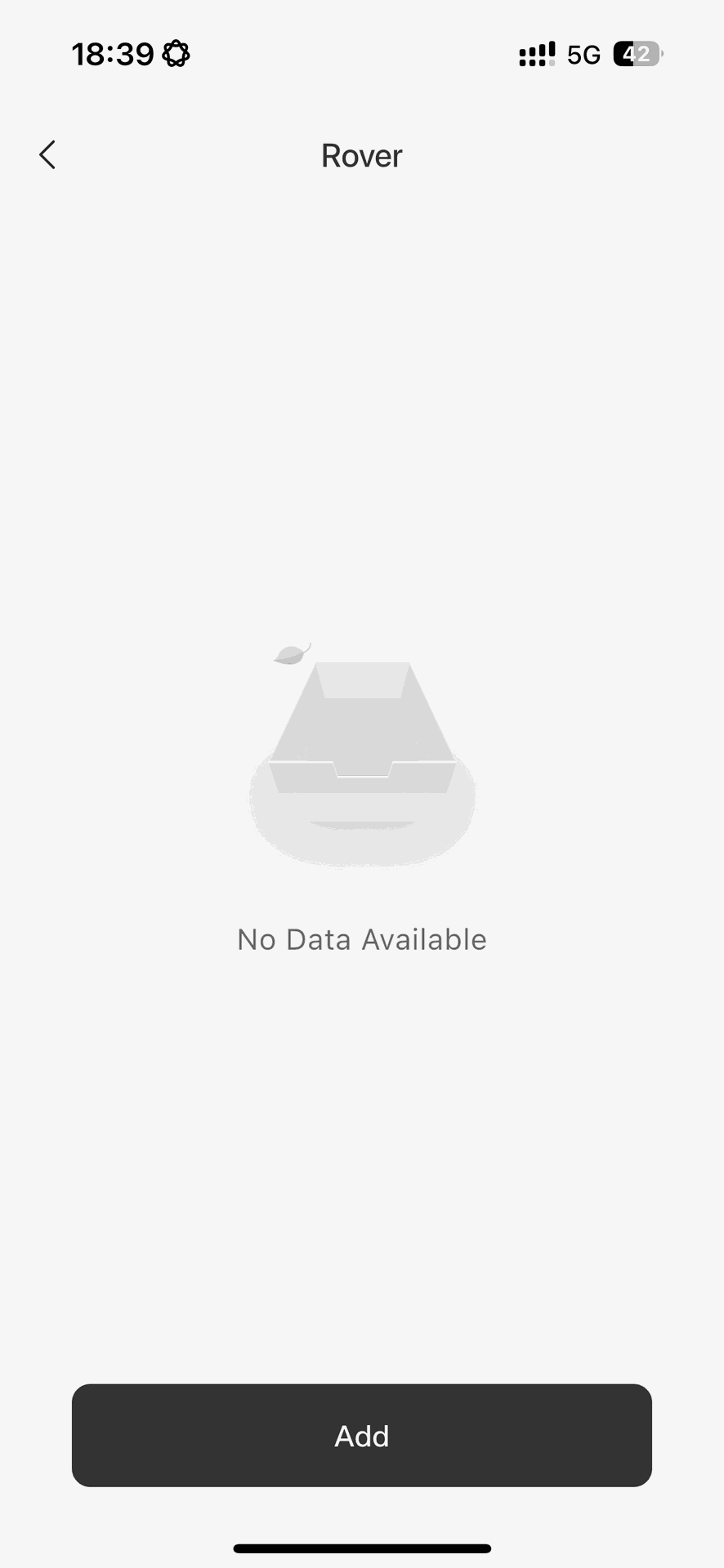
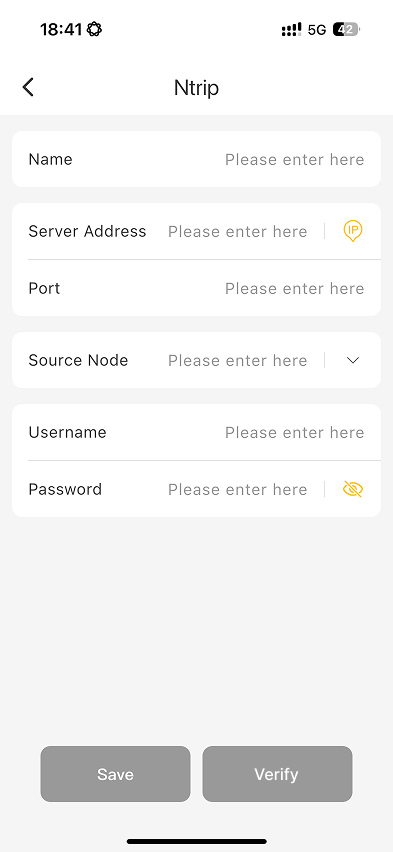
- Adds rover management, allowing users to enter rover information before connecting an RTK receiver.
- Enables users to apply the saved rover configuration after the receiver is connected.
2. Help & FAQ
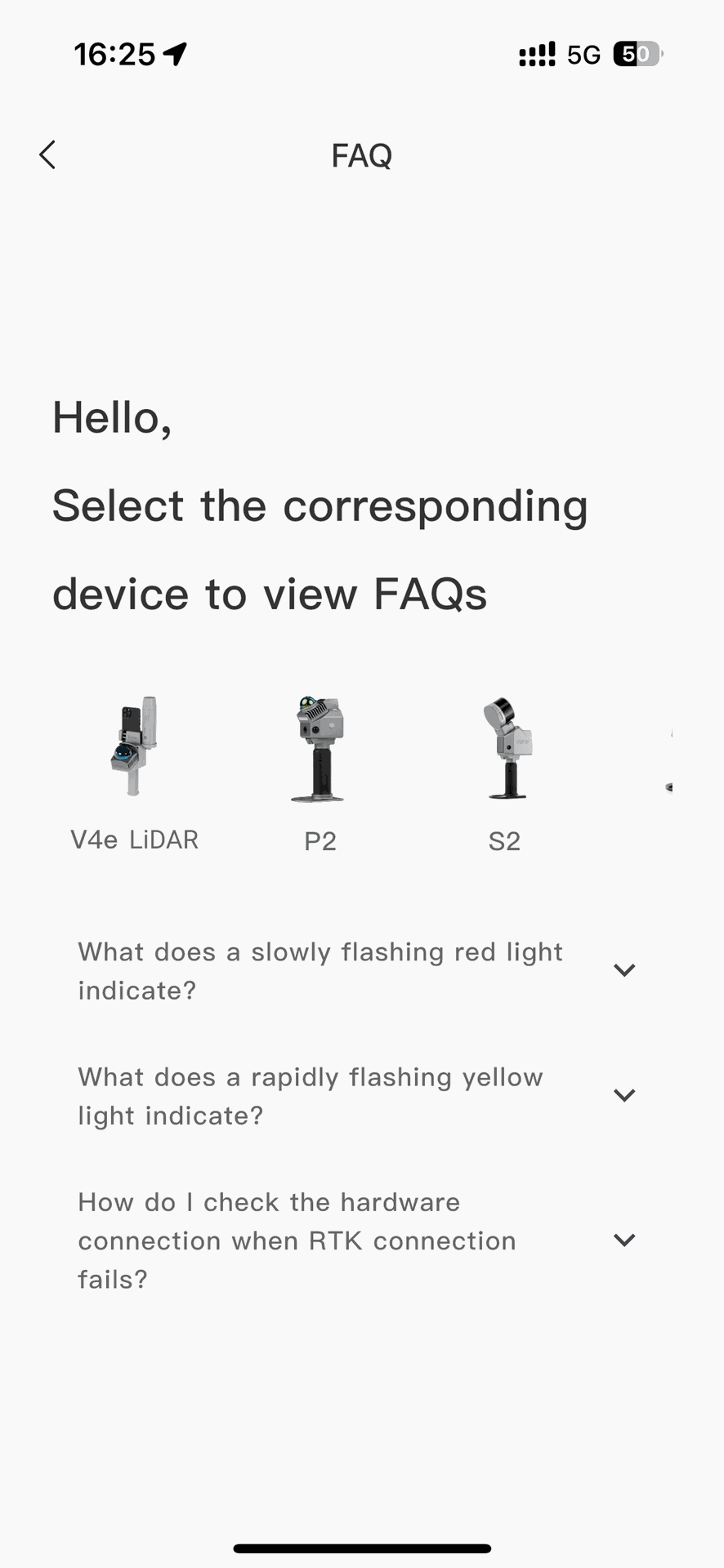
- Adds an FAQ page that provides quick access to common questions and usage guidance from the top navigation area.
II.Enhancements
1. FJD Trion V4e LiDAR Scanning Enhancements
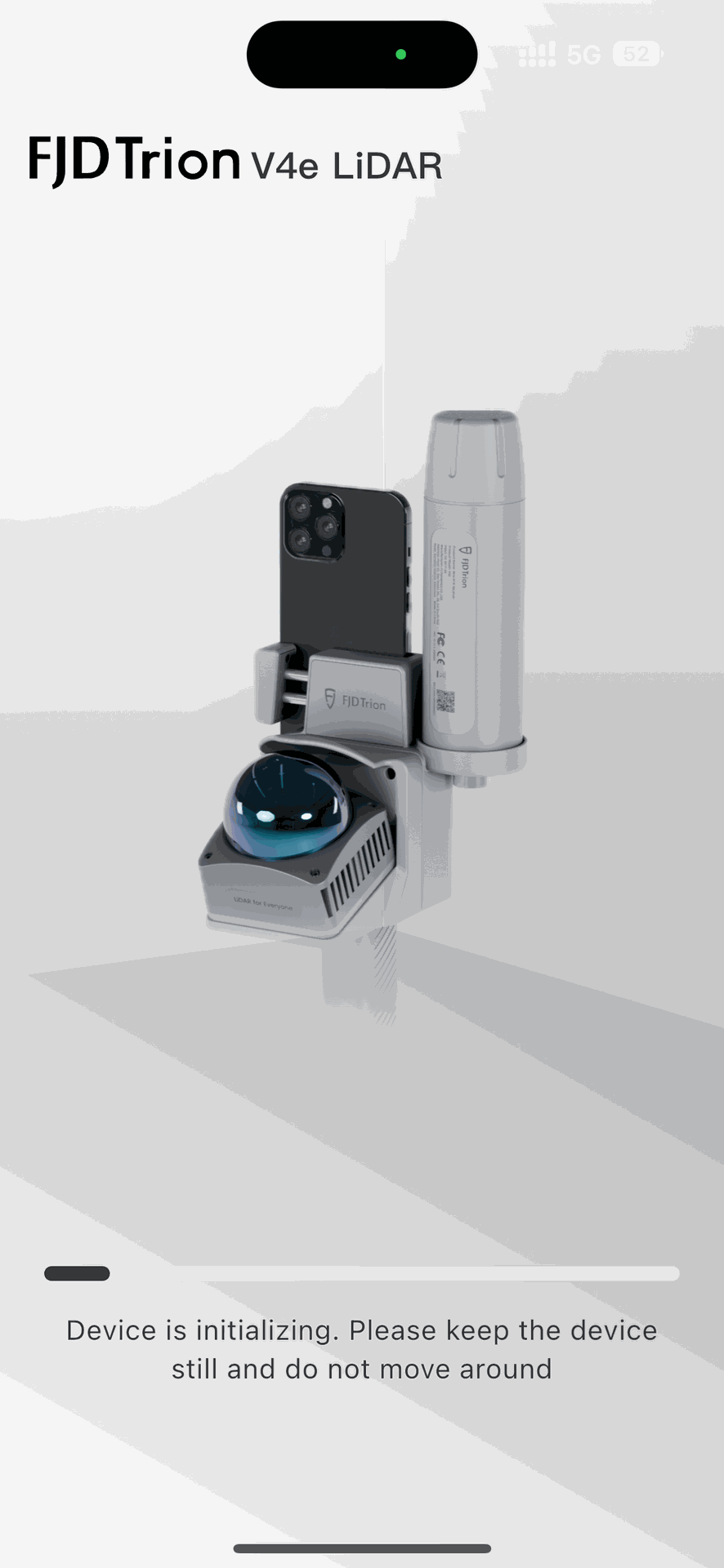
- Introduces a V4e LiDAR scan initialization process that requires the device to remain stationary for 15 seconds before scanning starts, improving scan data stability.
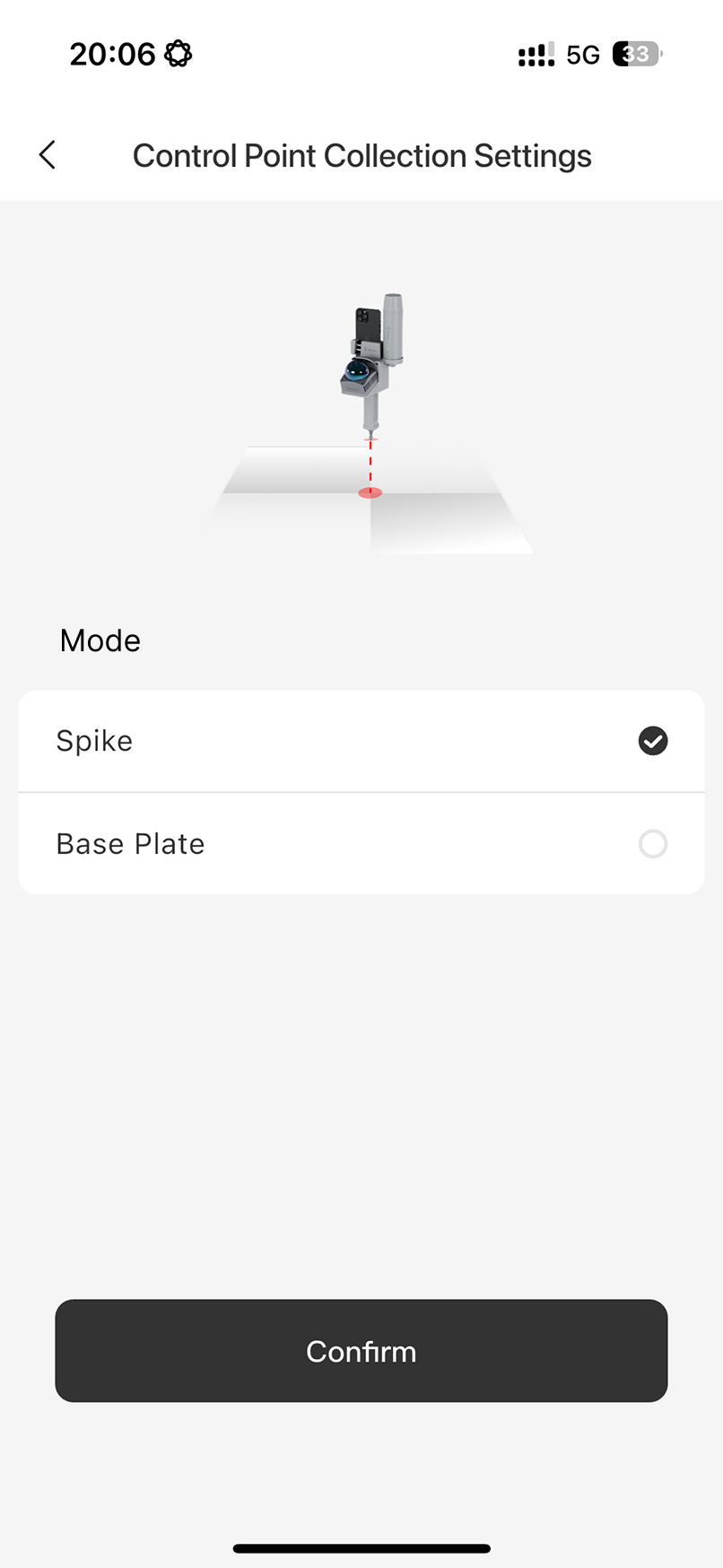
- Adds V4e LiDAR control point collection settings, supporting base plate and spike options based on the selected collection method.
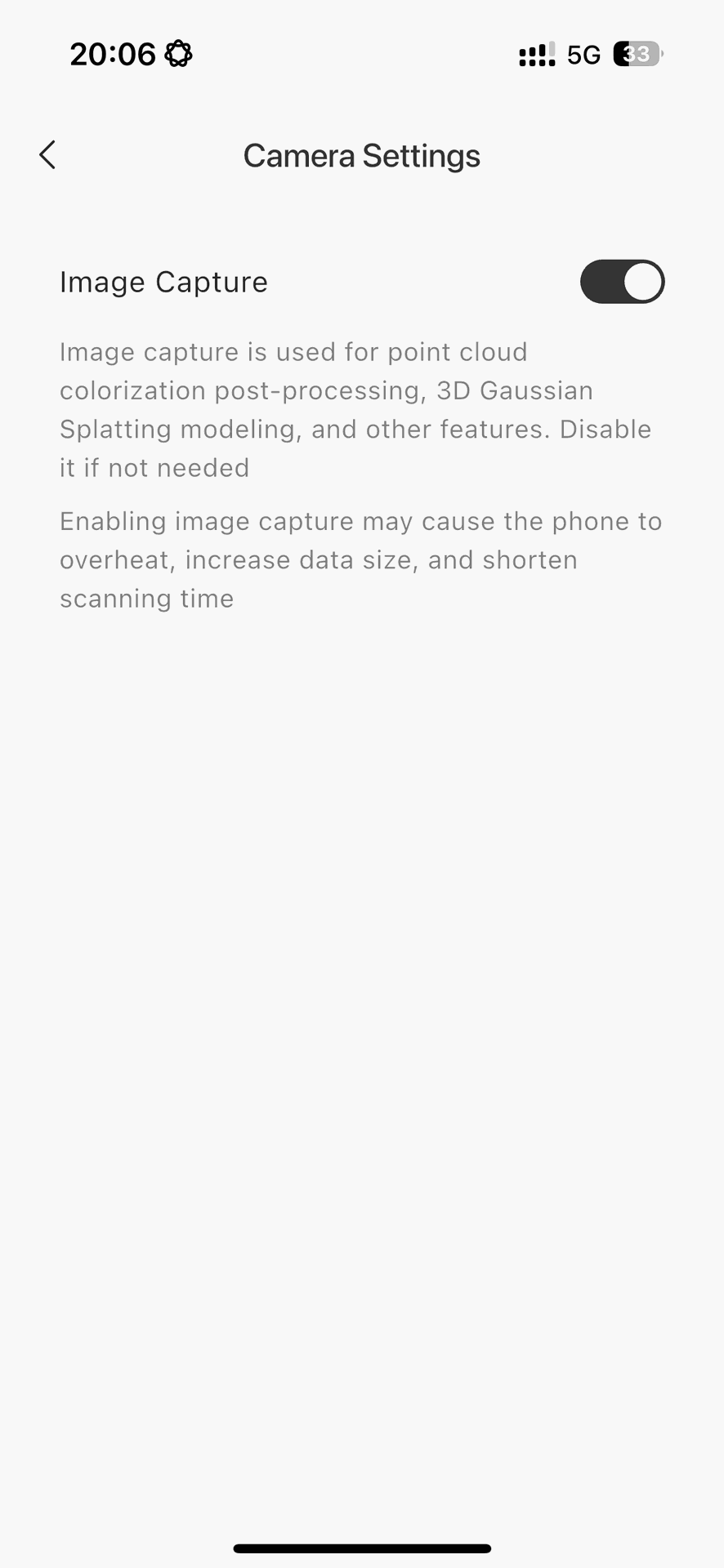
- Enables image capture by default to support post-processing colorization.
- Adds an image capture switch for V4e LiDAR, allowing users to disable image capture when colorization is not required to reduce raw data size.
2. Device Connection Enhancements
- Improves hotspot privacy by displaying only the connected hotspot name instead of both the hotspot name and password.
- Improves the network configuration workflow by displaying the IP address after a successful connection, making connection troubleshooting easier.
- Supports one-tap device connection in the app under LAN mode.
3. Other Enhancements
- Adapts the scanning interface for landscape orientation.
- Adds Portuguese as a supported interface language.
- Adds the V4e LiDAR user manual.
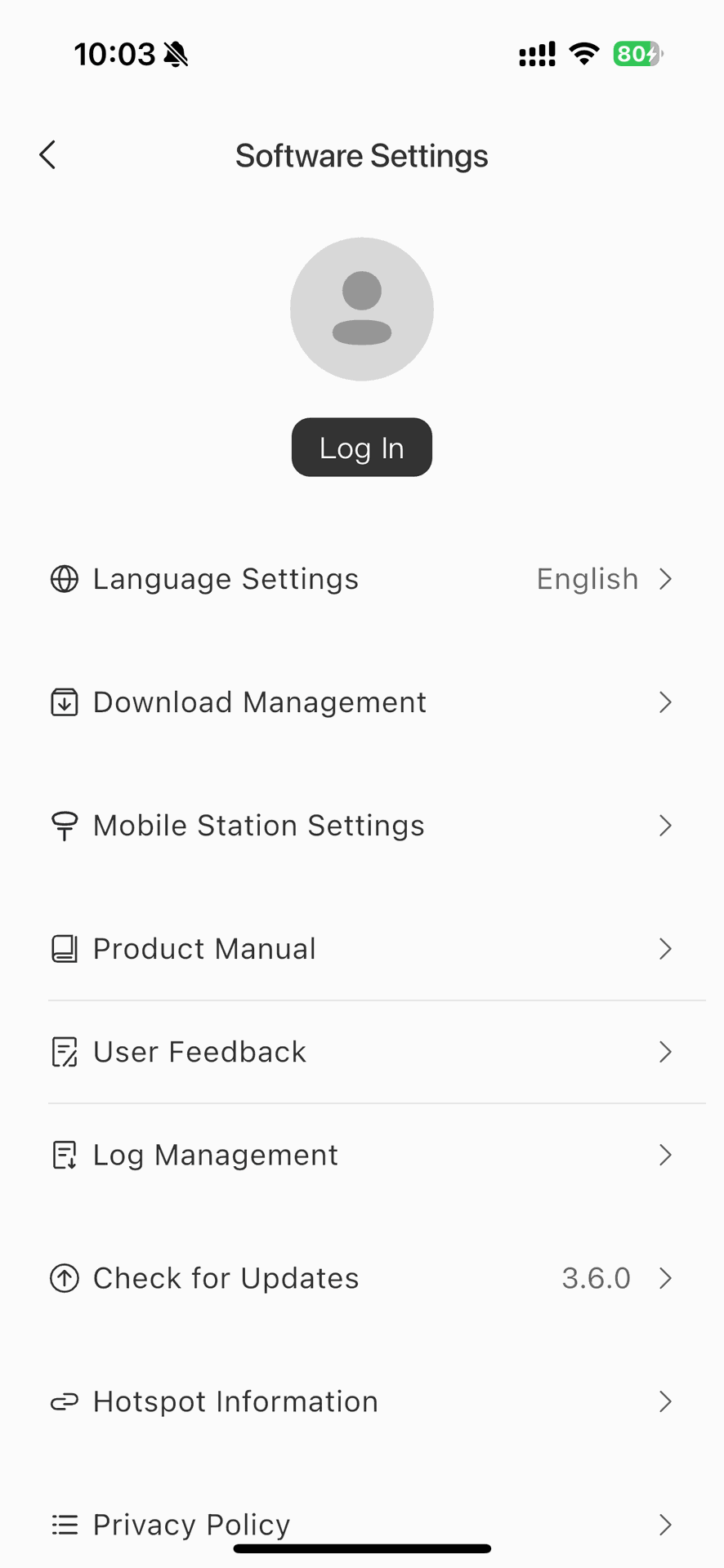
- Moves App log management to Software Settings.
III.Mobile Device Requirements
1. Android Phones
- Supports Samsung Galaxy S20 to S25 series phones (Due to limited test devices, the known compatible Android models are currently Samsung Galaxy S20 to S25 series phones; compatibility with other Android models should be confirmed through actual testing)
- Requires a minimum phone configuration of 12 GB RAM and 256 GB storage to ensure stable scanning
- Requires Android 10 or later
- Requires at least 20 GB of available storage before scanning
2. iPhones
- Requires iPhone 15 or later models with a USB-C port
- Does not support iPhone 16e, iPhone 17e, or iPhone Air